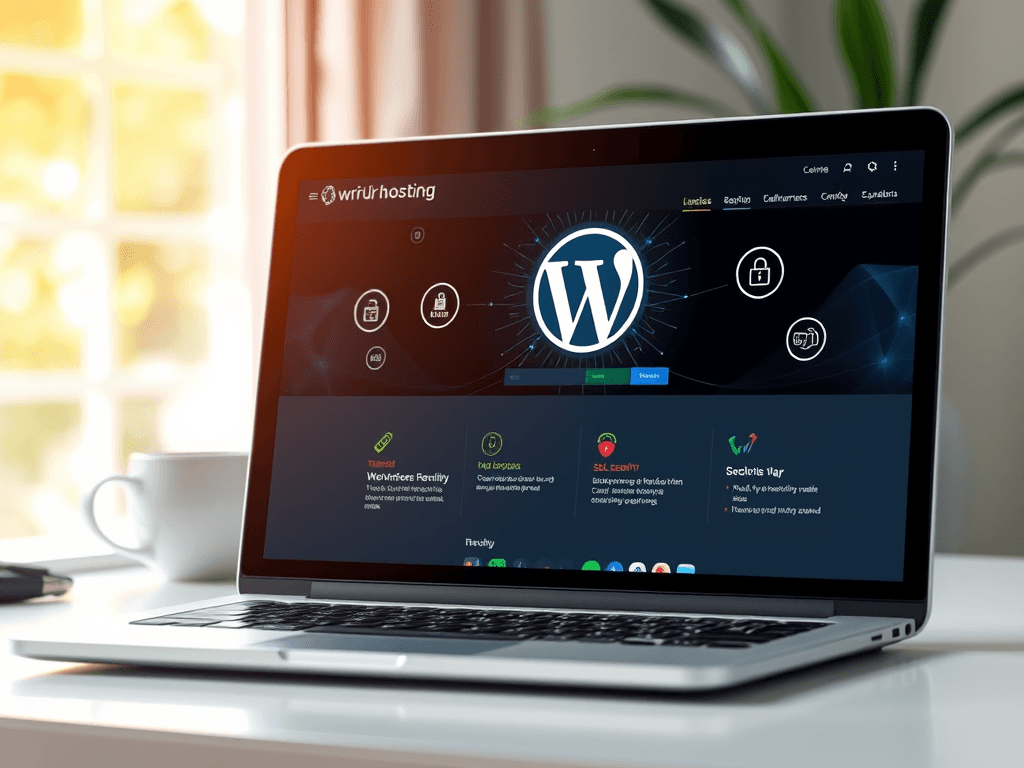
WordPress Hosting Guide for Faster and Safer Websites
===INTRO:
In today’s digital era, website speed and security are core elements of success. If you’re running a business, a blog, or an online store, a reliable WordPress hosting guide can help you choose the best hosting plan that ensures faster load times and enhanced website protection. WordPress hosting is more than just storage — it’s the foundation of your site’s performance, SEO ranking, and user experience.
At Archer IT Solutions, we understand how critical great hosting is for your site’s growth. That’s why we created this WordPress Hosting Guide — to walk you through choosing the right provider and securing your WordPress installation from the ground up. Whether you’re a beginner or a seasoned developer, these insights can help you make informed, profitable decisions.
Before diving into the technical details, it’s worth noting how design and layout play a role in user experience. By leveraging visual hierarchy, strategic white space, and user-focused SEO practices, you can create not just a functional WordPress site but one that genuinely drives engagement and sales.
Choosing the Best WordPress Hosting for Performance
Selecting the right WordPress hosting is about understanding performance, reliability, and value. A high-speed host ensures your visitors aren’t left waiting — every second counts when it comes to site loading times. Websites that load quickly tend to rank higher on search engines, offering both UX and SEO benefits. At Archer IT Solutions Web Hosting, clients enjoy optimized servers, built-in caching, and real-time performance analytics for peak efficiency.
Pros:
- Faster website load times
- Better uptime reliability
- Enhanced SEO and user satisfaction
Cons:
- Premium managed hosting may cost more upfront
- Shared hosting can limit your resources
Troubleshooting Tip: If you notice your WordPress website slowing down, check plugin conflicts or upgrade your PHP version. Hosting providers like Archer IT Solutions offer 24/7 support via support@archer-its.com to help with such issues immediately.
For further reading, check out:
- Google PageSpeed Insights – Free performance analysis tool
- GTmetrix – Offers speed testing and optimization insights
- The Complete Guide to Web Hosting – Learn hosting fundamentals
Securing Your WordPress Hosting for Optimal Safety
Safety in WordPress hosting is not just about installing antivirus plugins; it’s about layered protection. A secure host includes strong firewalls, SSL certificates, DDoS protection, and automated backups. At Archer IT Solutions Managed IT Services, clients can depend on cloud-based infrastructure hardened for security.
Real-time monitoring and Local IT support keep businesses safe from emerging threats. Adding security plugins like Wordfence or iThemes Security can also help patch vulnerabilities before they cause harm. Archer IT Solutions’ managed environments automatically update core files and monitor suspicious logins, minimizing downtime and ensuring peace of mind.
Troubleshooting Tip: If you suspect a breach, immediately change all admin passwords and contact professional support. For rapid local or remote IT response, visit Archer IT Onsite Services.
External Resources:
- Wordfence Security Blog – Current WordPress threat updates
- Sucuri Security Reports – Professional threat intelligence
- The Complete Guide to Server Administration
Visual Example:
FAQs
Q1: What’s the difference between shared and managed WordPress hosting?
Managed hosting handles technical maintenance and updates automatically. Shared hosting, on the other hand, costs less but shares resources with others.
Q2: How often should I back up my WordPress website?
Ideally, back up daily or weekly depending on content volume. Archer IT Solutions offers automated daily backups to protect your data.
Q3: Can I switch hosting providers easily?
Yes. With proper planning and migration tools, switching is seamless. Archer IT Solutions assists clients with full migration support.
Related Reading
- The Complete Guide to Web Hosting
- 5 Ways to Optimize WordPress Speed
- Introduction to Cloud Hosting
- Understanding Domain Names
- Beginner’s Guide to SSL Certificates
A successful website isn’t built overnight, but choosing a fast and secure WordPress host is the first step. Following this WordPress Hosting Guide, you can strengthen your website’s performance, security, and long-term reliability.
Whether you’re managing a business site or personal blog, Archer IT Solutions is ready to help you make that journey smoother. For expert advice on hosting, design, and security, visit www.archer-its.com or email sales@archer-its.com.
Invest in the right platform today — because speed and security aren’t optional; they’re essential.
[submit “Submit”]
1
[_site_title] “[your-subject]”
[_site_title]
[_site_admin_email]
From: [your-name] [your-email]
Subject: [your-subject]
Message Body:
[your-message]
—
This is a notification that a contact form was submitted on your website ([_site_title] [_site_url]).
Reply-To: [your-email]
1
1
[_site_title] “[your-subject]”
[_site_title]
[your-email]
Message Body:
[your-message]
—
This email is a receipt for your contact form submission on our website ([_site_title] [_site_url]) in which your email address was used. If that was not you, please ignore this message.
Reply-To: [_site_admin_email]
1
1
Thank you for your message. It has been sent.
There was an error trying to send your message. Please try again later.
One or more fields have an error. Please check and try again.
There was an error trying to send your message. Please try again later.
You must accept the terms and conditions before sending your message.
Please fill out this field.
This field has a too long input.
This field has a too short input.
There was an unknown error uploading the file.
You are not allowed to upload files of this type.
The uploaded file is too large.
There was an error uploading the file.
Please enter an email address.
Please enter a URL.
Please enter a telephone number.
Please enter a date in YYYY-MM-DD format.
This field has a too early date.
This field has a too late date.
Please enter a number.
This field has a too small number.
This field has a too large number.
The answer to the quiz is incorrect.
Discover more from Archer IT Solutons
Subscribe to get the latest posts sent to your email.
Discover more from Archer IT Solutons
Subscribe to get the latest posts sent to your email.

No responses yet