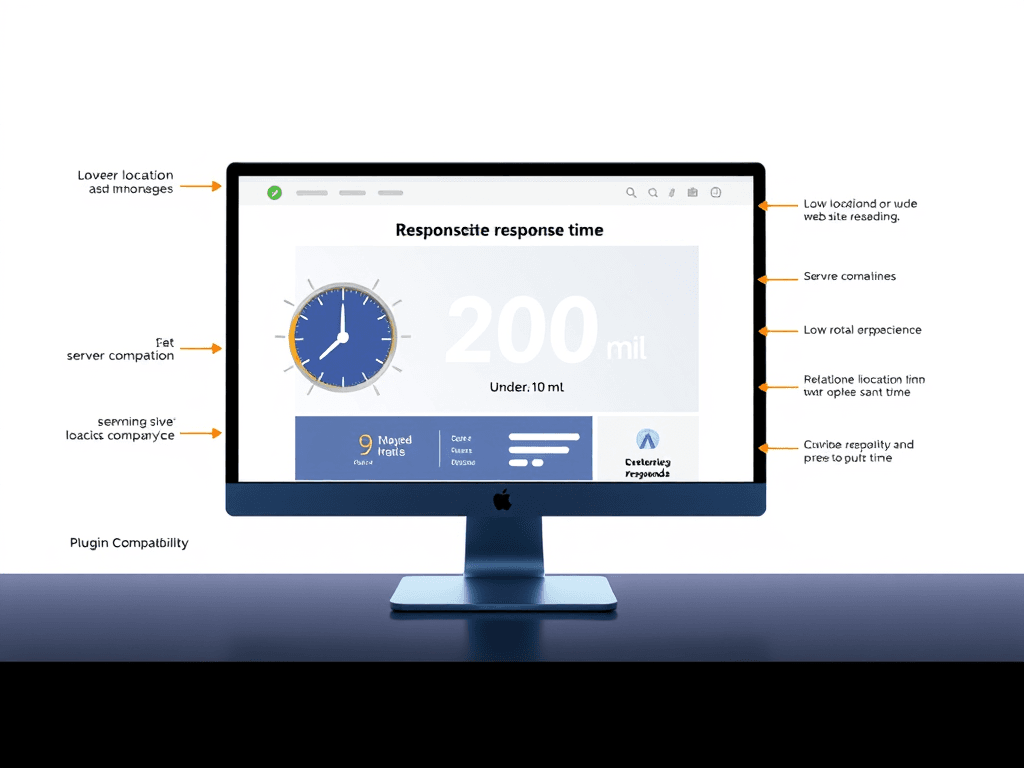
Understanding Response Time
Website response time refers to the amount of time it takes for a web server to respond to a user’s request. An optimal response time is crucial for a positive user experience, potentially impacting engagement and conversion rates.
Key Takeaways:
- Average Response Time: Aim for under 200 milliseconds for optimal performance.
- User Engagement: Shorter response times lead to higher user satisfaction.
- Search Engine Ranking: Faster websites often rank better on search engines.
Key Factors Affecting Response Time
Several elements can impact your website’s response time:
- Server Location: Closer servers reduce latency.
- Traffic Volume: High traffic can slow down response times.
- Server Resources: Upgrading hardware or optimizing software can improve performance.
- Third-Party Plugins: Excessive or poorly coded plugins may introduce delays.
Visual Hierarchy and User Navigation
Effective website design emphasizes visual hierarchy, guiding users through content. Here are tips to improve navigation:
Design Tips:
- Headlines & Subheadings: Use clear titles for sections to guide scanning.
- White Space: Implement sufficient spacing for better readability.
- Color Contrast: Use contrasting colors to highlight important information.
Troubleshooting Common Plugin Issues
Plugin compatibility can often lead to slow response times. Here’s how to troubleshoot these issues:
- Identify Conflicting Plugins: Disable all plugins and enable them one by one to identify the culprit.
- Check for Updates: Ensure all plugins are updated to the latest versions.
- Examine Load Time: Use tools like Google PageSpeed Insights to analyze performance.
Pros and Cons of Website Response Time
Pros:
- Improved User Experience: Fast response times keep users engaged.
- Higher Conversions: Better performance can lead to increased sales.
- Enhanced SEO: Faster websites receive preferential treatment by search engines.
Cons:
- Cost of Optimization: Improvements may require investment in better hosting or tools.
- Ongoing Maintenance: Regular checks and updates are necessary to maintain performance.
Conclusion
Optimizing your website’s response time not only enhances user experience but also increases your chances of conversion. Reflect on your website’s current performance and consider implementing the tips discussed above. Remember, a well-optimized site is one that attracts and retains users effectively.
For further information and resources:
If you have specific inquiries about enhancing your IT services, reach out to Archer IT Solutions for dedicated support.
[submit “Submit”]
1
[_site_title] “[your-subject]”
[_site_title]
[_site_admin_email]
From: [your-name] [your-email]
Subject: [your-subject]
Message Body:
[your-message]
—
This is a notification that a contact form was submitted on your website ([_site_title] [_site_url]).
Reply-To: [your-email]
1
1
[_site_title] “[your-subject]”
[_site_title]
[your-email]
Message Body:
[your-message]
—
This email is a receipt for your contact form submission on our website ([_site_title] [_site_url]) in which your email address was used. If that was not you, please ignore this message.
Reply-To: [_site_admin_email]
1
1
Thank you for your message. It has been sent.
There was an error trying to send your message. Please try again later.
One or more fields have an error. Please check and try again.
There was an error trying to send your message. Please try again later.
You must accept the terms and conditions before sending your message.
Please fill out this field.
This field has a too long input.
This field has a too short input.
There was an unknown error uploading the file.
You are not allowed to upload files of this type.
The uploaded file is too large.
There was an error uploading the file.
Please enter an email address.
Please enter a URL.
Please enter a telephone number.
Please enter a date in YYYY-MM-DD format.
This field has a too early date.
This field has a too late date.
Please enter a number.
This field has a too small number.
This field has a too large number.
The answer to the quiz is incorrect.
Discover more from Archer IT Solutons
Subscribe to get the latest posts sent to your email.
Discover more from Archer IT Solutons
Subscribe to get the latest posts sent to your email.

No responses yet