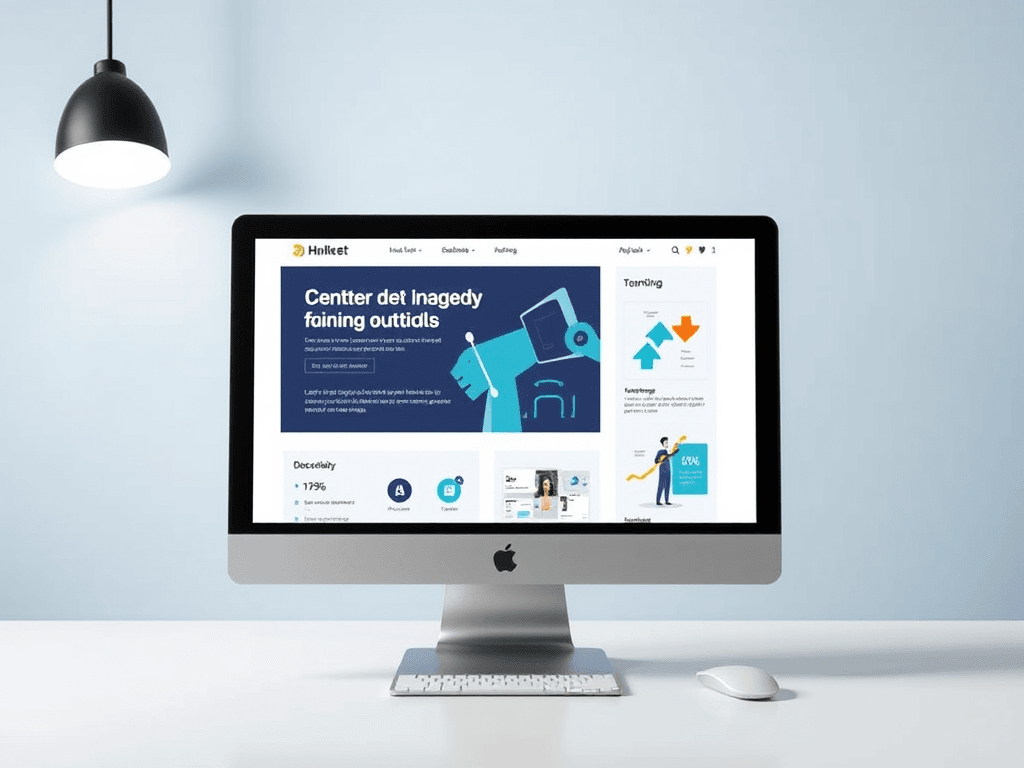
Guiding User Focus Through Smart Visual Design Choices

In today’s digital landscape, web and IT solutions depend heavily on design strategy—not just on how things look, but how they guide user behavior. Whether you’re managing a small business website or a large ecommerce platform, visual design is your silent salesperson, shaping first impressions and influencing navigation choices.
When design lacks clarity or fails to prioritize user flow, engagement plummets. Research from the Nielsen Norman Group shows that users form opinions about a website in as little as 50 milliseconds, and their eyes naturally follow predictable scanning patterns—typically starting from the top-left corner. Understanding these visual patterns can mean the difference between conversion and confusion.
Archer IT Solutions helps website owners and businesses design intuitive interfaces supported by managed hosting, web design, and onsite or remote IT support. Their team ensures that visual appeal and performance go hand in hand. For assistance or web enhancement services, reach them at support@archer-its.com.
Creating Strong Visual Hierarchies for Better Focus

Building a solid visual hierarchy begins with understanding how the human eye prioritizes elements on a page. Users typically follow an “F-pattern” or “Z-pattern” when scanning, focusing first on headlines, then skimming across and down. To harness this, use large, bold typography for primary headlines, balance it with subheadings, and create whitespace to separate content clusters. This not only improves readability but also builds a visual rhythm.
Including consistent spacing and clear divisions gives weight to essential elements and prevents user fatigue. According to recent studies by Adobe, websites with clear hierarchies and accessible layouts experience up to 35% higher engagement rates. The more you simplify the navigation and emphasize relevant content, the more time users spend exploring.
Key takeaways for strong hierarchies:
- Use headings (H1, H2, etc.) to organize content logically.
- Highlight calls-to-action (CTAs) using contrasting fonts or button shapes.
- Leverage whitespace strategically to reduce cognitive friction.
Summary: Well-structured visual hierarchy ensures that users always know where to look next—enhancing focus, reducing bounce rate, and improving conversion rates. For technical integration or responsive layout tuning, Archer IT Solutions provides managed IT services and web design support.
Using Color and Contrast to Direct User Attention
Color and contrast are two of the most powerful tools in guiding attention. Bright hues naturally draw the eye, while muted backgrounds help critical elements stand out. For instance, accent colors like blue or orange are effective in highlighting buttons or links without overwhelming the user. Incorporating accessible color palettes also ensures inclusivity for those with color-vision deficiencies—visit WebAIM Contrast Checker to test your palette.
Using color psychology, designers can craft an emotional pathway through a webpage. Blue often communicates trust, green stability and growth, and red urgency. High contrast improves readability and accessibility, particularly for mobile users who make up more than 60% of total web traffic, according to Statista 2023.
Pros and Cons of Color Usage:
Pros: Enhances emotional engagement, guides attention effectively, improves accessibility.
Cons: Poor combinations can confuse visitors, overuse may appear unprofessional, and inconsistency can reduce brand integrity.
Summary: Smart use of color and contrast can transform a website’s usability. When supported by stable hosting and responsive design from professionals like Archer IT Solutions, these visual strategies become even more effective.
Troubleshooting Common Plugin Compatibility Issues
Website owners often face challenges when integrating plugins or design tools with their CMS platforms. Conflicts between design plugins and caching or security tools can impact layout alignment and color rendering. To fix such problems:
- Clear cache and disable non-essential plugins temporarily.
- Check plugin compatibility with your CMS version regularly.
- Seek professional support if rendering issues persist.
The Archer IT Solutions support team responds to most technical requests in under 24 hours, providing both remote and onsite troubleshooting. Having a managed IT team ensures fewer compatibility errors, faster updates, and smoother design workflows.
Summary: Plugin conflicts can disrupt a user’s journey. Having reliable IT partners ensures uptime and visual stability. Contact support@archer-its.com for any plugin or hosting-related issues.
Smart visual design isn’t just about aesthetics—it’s a communication strategy. By implementing thoughtful hierarchies, contrast, and consistent design language, you strengthen user trust and engagement. Archer IT Solutions supports this balance between design and technology with web hosting and design-focused IT services.
Take a moment to reflect: does your current website design guide your audience effectively? If not, it may be time for expert assistance. Visit www.archer-its.com or reach out to sales@archer-its.com to start enhancing your digital experience today.
External Resources for Further Reading:
- Interaction Design Foundation – Visual Hierarchy
- Smashing Magazine – Understanding Color Psychology
- Nielsen Norman Group – Eye Tracking in User Experience
[submit “Submit”]
1
[_site_title] “[your-subject]”
[_site_title]
[_site_admin_email]
From: [your-name] [your-email]
Subject: [your-subject]
Message Body:
[your-message]
—
This is a notification that a contact form was submitted on your website ([_site_title] [_site_url]).
Reply-To: [your-email]
1
1
[_site_title] “[your-subject]”
[_site_title]
[your-email]
Message Body:
[your-message]
—
This email is a receipt for your contact form submission on our website ([_site_title] [_site_url]) in which your email address was used. If that was not you, please ignore this message.
Reply-To: [_site_admin_email]
1
1
Thank you for your message. It has been sent.
There was an error trying to send your message. Please try again later.
One or more fields have an error. Please check and try again.
There was an error trying to send your message. Please try again later.
You must accept the terms and conditions before sending your message.
Please fill out this field.
This field has a too long input.
This field has a too short input.
There was an unknown error uploading the file.
You are not allowed to upload files of this type.
The uploaded file is too large.
There was an error uploading the file.
Please enter an email address.
Please enter a URL.
Please enter a telephone number.
Please enter a date in YYYY-MM-DD format.
This field has a too early date.
This field has a too late date.
Please enter a number.
This field has a too small number.
This field has a too large number.
The answer to the quiz is incorrect.
Discover more from Archer IT Solutons
Subscribe to get the latest posts sent to your email.
Discover more from Archer IT Solutons
Subscribe to get the latest posts sent to your email.

No responses yet