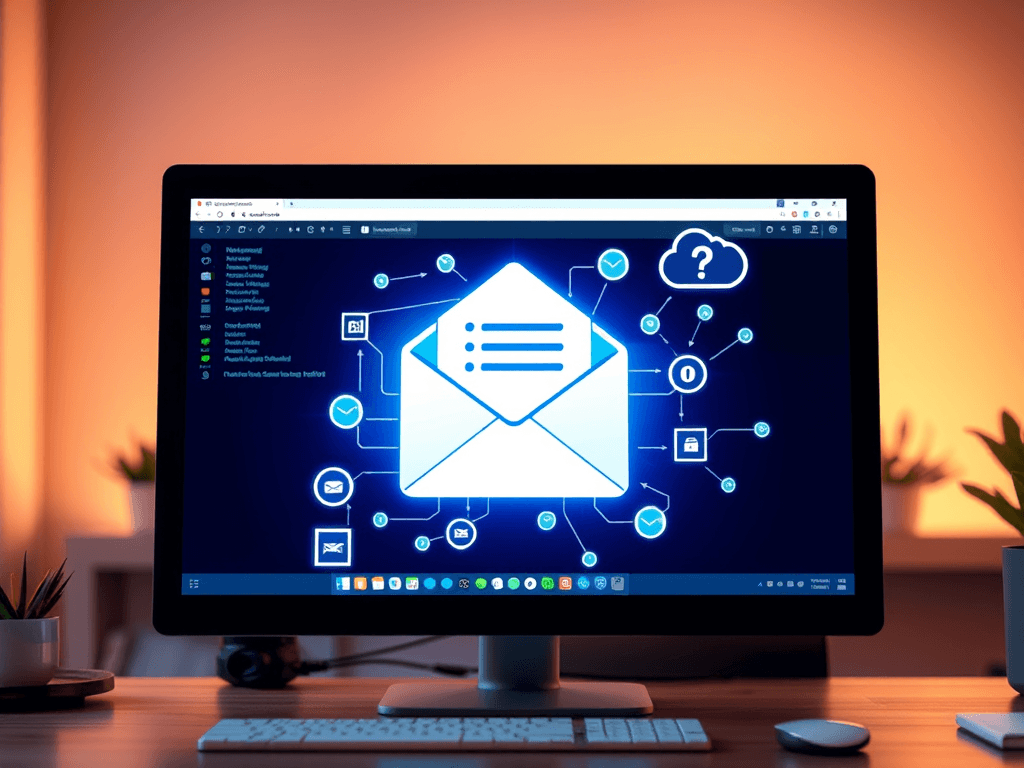
Understanding What POP3 Means for Your Email Setup
Email plays a crucial role in modern communication—whether you’re managing a small business, a personal website, or multiple professional accounts. Knowing how email protocols like POP3 function can help improve your email setup, security, and reliability. This article explains what POP3 means, how it works, and how you can troubleshoot or optimize it for your workflow.
How POP3 Works and Why It Matters for Your Email
Post Office Protocol version 3 (POP3) is one of the oldest and most well-established email retrieval protocols. It allows your email client—like Outlook, Thunderbird, or Apple Mail—to download messages from your mail server and store them locally on your device. Essentially, POP3 acts as a bridge that pulls your email from the cloud, placing it directly into your inbox for offline access.
Unlike webmail, where messages remain stored remotely, POP3 typically moves your emails from the server to your device. This can be beneficial when managing limited server space or when you frequently check email without constant internet access. The standard ports for POP3 are 110 for unencrypted connections and 995 for secure SSL connections, ensuring privacy during data transmission.
Understanding how POP3 works matters because it affects how your messages sync across devices. For example, once an email is downloaded using POP3, it may not appear on other devices since it’s removed from the server. This can be ideal for users who prefer a single-device setup, but less convenient for those using multiple devices or mobile syncing.
Pros, Cons, and Troubleshooting POP3 Email Setup
Pros of Using POP3
POP3 has a few major benefits. It is efficient for users with limited server storage, as it downloads emails locally, freeing up remote space. It also works well in regions with unstable connections since downloaded emails are accessible offline. Many businesses or users managing a single workstation favor this protocol for its simplicity and reliability.
Cons of POP3
However, POP3 comes with limitations. It doesn’t automatically sync read/unread status or sent items across multiple devices. If your computer crashes or you don’t back up your mail regularly, data loss can occur. POP3 also struggles to manage modern, multi-device workflows compared to IMAP, which syncs messages in real time across devices.
Troubleshooting Common POP3 Issues
If you’re having trouble connecting to a POP3 server, verify your incoming mail server settings (typically mail.domain.com), port configuration (995 for SSL), and authentication credentials. Ensure “Leave a copy of messages on the server” is enabled in your mail client if you plan to check email from multiple devices. For persistent connection errors, contact your IT provider, or if you are hosted by Archer IT Solutions, reach out to support@archer-its.com for assistance within 24 hours.
Explore More Email Setup Resources
- IMAP vs POP3 Comparison (Lifewire)
- How Email Works Explained (HowStuffWorks)
- Troubleshooting Email Delivery Issues (Microsoft)
For additional support or to upgrade your email hosting environment, Archer IT Solutions offers:
We specialize in helping small to medium-sized businesses enhance the reliability and design of their IT infrastructure.
POP3 remains a useful and efficient choice for users looking for a straightforward email setup—particularly when working from one device or managing smaller inboxes. However, understanding its limitations ensures you can choose the best protocol for your needs. Whether you use POP3, IMAP, or webmail, combining reliable hosting and responsive support from partners like Archer IT Solutions helps keep your communication flowing smoothly.
[submit “Submit”]
1
[_site_title] “[your-subject]”
[_site_title]
[_site_admin_email]
From: [your-name] [your-email]
Subject: [your-subject]
Message Body:
[your-message]
—
This is a notification that a contact form was submitted on your website ([_site_title] [_site_url]).
Reply-To: [your-email]
1
1
[_site_title] “[your-subject]”
[_site_title]
[your-email]
Message Body:
[your-message]
—
This email is a receipt for your contact form submission on our website ([_site_title] [_site_url]) in which your email address was used. If that was not you, please ignore this message.
Reply-To: [_site_admin_email]
1
1
Thank you for your message. It has been sent.
There was an error trying to send your message. Please try again later.
One or more fields have an error. Please check and try again.
There was an error trying to send your message. Please try again later.
You must accept the terms and conditions before sending your message.
Please fill out this field.
This field has a too long input.
This field has a too short input.
There was an unknown error uploading the file.
You are not allowed to upload files of this type.
The uploaded file is too large.
There was an error uploading the file.
Please enter an email address.
Please enter a URL.
Please enter a telephone number.
Please enter a date in YYYY-MM-DD format.
This field has a too early date.
This field has a too late date.
Please enter a number.
This field has a too small number.
This field has a too large number.
The answer to the quiz is incorrect.

No responses yet