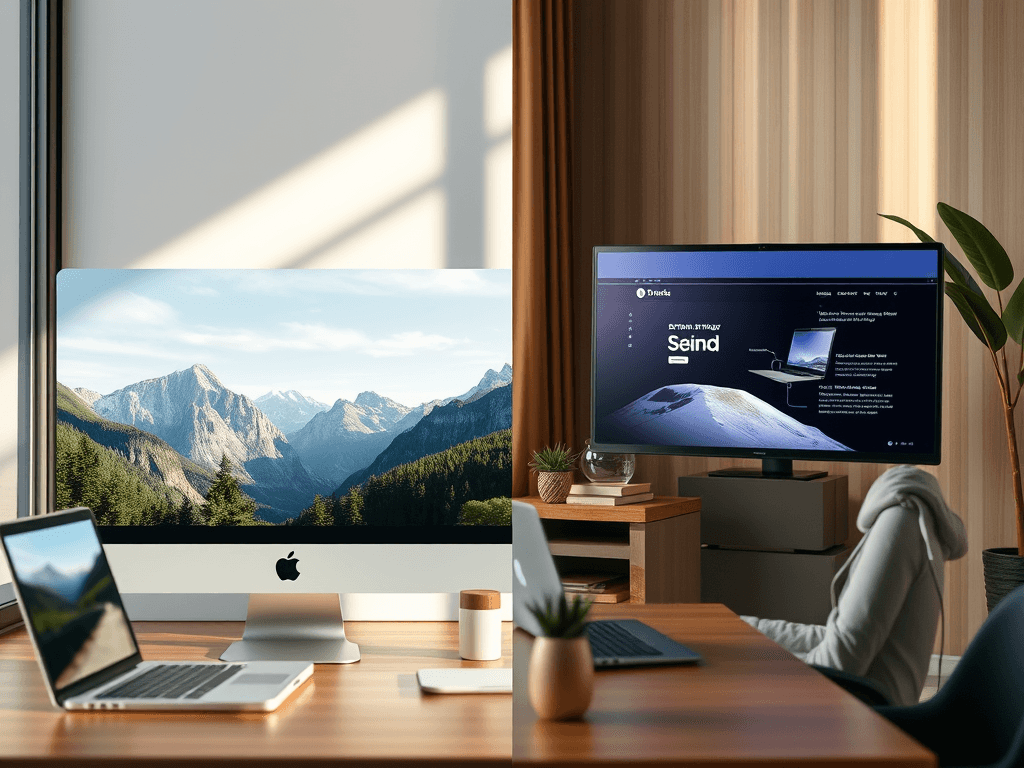
Do We Need to Find or Create Images for Our Website?
Images have become one of the most powerful elements on any modern website. They direct attention, communicate messages faster than text, and influence how users perceive a brand. The big question for many teams today is whether to find existing visuals or create custom ones for their sites. Each choice comes with benefits, challenges, and creative possibilities that shape the user experience.
Finding the Right Images to Match Your Website Goals
When planning a new website, selecting the right images is fundamental. Found images, often sourced from stock libraries like Pexels or Unsplash, can add professionalism and tone quickly without extensive design time. This approach benefits businesses looking for immediate launch readiness—such as startups or growing brands using Small Business Web Hosting or WordPress Hosting for Small Business from Archer IT Solutions. The right found image can instantly convey expertise and credibility.
However, found images also have limitations. Overused or generic stock imagery can make your website blend into the crowd rather than stand out from it. Subtle mismatches in tone, style, or quality can disrupt the natural scanning pattern users follow when navigating your site. Since attention typically begins at the top-left and moves diagonally, your chosen visuals must guide users strategically toward your most important calls to action. Balancing image relevance, color contrast, and readability ensures the visual hierarchy supports your message.
To troubleshoot issues with found images, start by running A/B tests to see how different visuals affect bounce rates or engagement. Compress oversized images to improve loading times, and verify that every graphic aligns with your brand’s message. If you rely on third-party visuals, check licensing terms carefully to avoid copyright challenges. Archer IT Solutions’ Managed IT Services clients often find that professional guidance in website optimization—including proper image selection—drives higher conversions and better search rankings.
Creating Custom Visuals That Support User Engagement
Creating custom visuals allows you to express brand authenticity and originality. Custom graphics, infographics, and professional photography can communicate your service offerings clearly—whether it’s Local IT Support, Onsite or Remote Computer Assistance, or customized Managed IT Services. When a user visits your homepage, these personalized visuals quickly establish trust and help tell your story in a more human and memorable way.
The main advantage of original visual content is ownership. You don’t share your imagery with countless other websites, so your site design and promotions stay unique. Additionally, custom visuals can be designed around your user’s scanning habits: using white space, contrast, and scale to highlight key messages—like Archer IT Solutions’ “Get a Free IT Consultation” or “15 Day Refund Policy for Web Hosting.” These visual prompts help lead users naturally toward the actions that matter most.
However, creating custom content requires planning and resources. You’ll need access to designers, photographers, or creative software—which can be time-consuming and costly if done independently. Troubleshooting tips include starting small: create visuals for your most visited pages first, reuse graphics for multiple platforms, and test how users respond. A real-life example is a small business that adopted custom visuals built around brand colors and saw a 30% increase in on-page interaction within one month.
Whether you choose to find or create visuals depends on your goals, budget, and brand vision. Found images are fast and flexible, while custom visuals offer authenticity and control. The ideal solution often blends both strategies—using stock photos for general context and layering custom graphics for branded experiences.
If you need help optimizing your website imagery or exploring IT and hosting solutions to power your digital growth, contact Archer IT Solutions.
- Get a Free IT Consultation for onsite, remote, or managed services
- Enjoy a 15-Day Refund Policy for Web Hosting
- For questions: info@archer-its.com
For more design inspiration, you can explore resources like the Nielsen Norman Group’s Visual Hierarchy Guidelines or Canva’s Design School. Combine these strategies with expert support from Archer IT Solutions to ensure every image on your site not only looks good—but works hard for your business.
[submit “Submit”]
1
[_site_title] “[your-subject]”
[_site_title]
[_site_admin_email]
From: [your-name] [your-email]
Subject: [your-subject]
Message Body:
[your-message]
—
This is a notification that a contact form was submitted on your website ([_site_title] [_site_url]).
Reply-To: [your-email]
1
1
[_site_title] “[your-subject]”
[_site_title]
[your-email]
Message Body:
[your-message]
—
This email is a receipt for your contact form submission on our website ([_site_title] [_site_url]) in which your email address was used. If that was not you, please ignore this message.
Reply-To: [_site_admin_email]
1
1
Thank you for your message. It has been sent.
There was an error trying to send your message. Please try again later.
One or more fields have an error. Please check and try again.
There was an error trying to send your message. Please try again later.
You must accept the terms and conditions before sending your message.
Please fill out this field.
This field has a too long input.
This field has a too short input.
There was an unknown error uploading the file.
You are not allowed to upload files of this type.
The uploaded file is too large.
There was an error uploading the file.
Please enter an email address.
Please enter a URL.
Please enter a telephone number.
Please enter a date in YYYY-MM-DD format.
This field has a too early date.
This field has a too late date.
Please enter a number.
This field has a too small number.
This field has a too large number.
The answer to the quiz is incorrect.

No responses yet