How to Secure Email Hosting Accounts Effectively
Email hosting accounts are a core component of modern business communication, storing sensitive data that, if compromised, can lead to severe implications. As cyber threats continue to evolve, securing your email hosting accounts should be a top priority for businesses and individuals alike. This article explores the best practices, troubleshooting techniques, and expert recommendations to ensure your email system remains protected, reliable, and compliant.
Essential Steps to Secure Your Email Hosting Accounts
Securing email hosting accounts starts with enforcing strong password policies and multi-factor authentication (MFA). Passwords should combine upper and lowercase letters, numbers, and symbols while avoiding predictable personal data. MFA adds another layer of protection by requiring secondary verification. Many professional web hosting environments, such as those at Archer IT Solutions, allow easy activation of MFA within your hosting control panel, giving you security without added complexity.
Another crucial step is encrypting both incoming and outgoing email traffic. Protocols like SSL/TLS ensure that data remains protected as it moves between servers. Regularly updating your email client and webmail software prevents cyber criminals from exploiting known vulnerabilities. For instance, WordPress hosting users who integrate contact forms can strengthen security by applying SSL certificates and maintaining updated server frameworks.
Additionally, implementing spam filtering and secure backup solutions helps protect against phishing and data loss. Cloud-based anti-spam systems efficiently block malicious attachments and links before reaching user inboxes. Archer IT Solutions supports advanced spam management and disaster recovery services, ensuring your emails are safe and retrievable even after accidental deletion or server issues. For local IT support, visit Archer IT Solutions Managed IT Services for professional setup assistance.
Pros: Enhanced security, improved compliance, minimized downtime.
Cons: Requires ongoing monitoring, occasional extra cost for advanced protection.
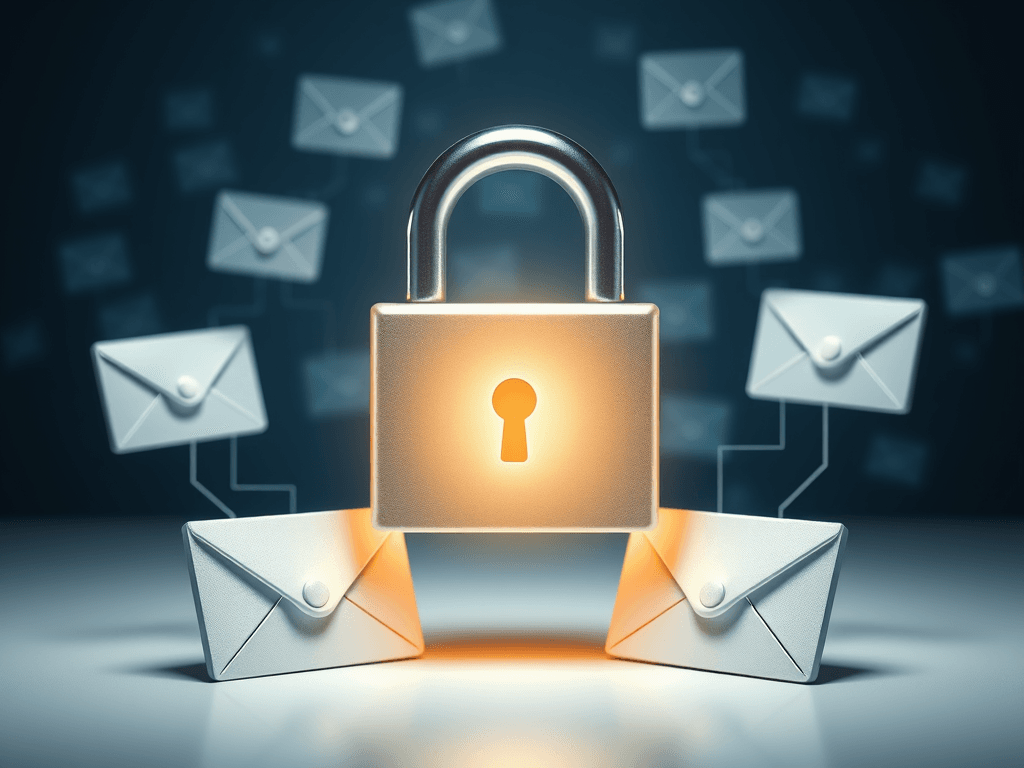
Image Suggestion: A lock icon with email envelopes representing encrypted email communication.
Troubleshooting Common Email Security Challenges
Despite using the best tools, users may still face issues like unauthorized access, delayed message delivery, or suspicious account behavior. The first step in troubleshooting is to review recent login activity and reset credentials when unusual patterns are detected. Using Archer IT Solutions’ ticket support system allows users to get quick help identifying unauthorized access attempts or configuration flaws.
Email delivery failures often occur due to blacklisted IPs or incorrect DNS records. Regularly auditing your SPF, DKIM, and DMARC configurations ensures your messages are correctly authenticated and not marked as spam. The IT experts at Archer IT Solutions can audit these settings remotely to resolve issues faster, a great example of their onsite or remote support service available at www.archer-its.com/onsite-service.
Another challenge is phishing emails that mimic legitimate correspondence. Employees should be trained to identify such suspicious messages. Real-life examples show that companies with regular staff awareness programs experience fewer breaches. Complement training with continuous monitoring tools, log audits, and alert systems to catch unusual login behaviors before damage occurs.
Pros: Improved detection of vulnerabilities, faster problem resolution, reduced exposure to threats.
Cons: Requires technical knowledge, may need assistance from professionals.
Image Suggestion: An illustration of an email inbox with a warning icon indicating a phishing attempt.
Real-World Example and Support Resources
A medium-sized marketing firm using Archer IT Solutions’ web hosting platform once faced recurring phishing attacks. By implementing multi-layer filtering, DNS authentication, and MFA under Archer’s guidance, they reduced phishing incidents by more than 90% in two months. This real-world example demonstrates how proactive management and expert IT support yield lasting results.
For additional reading, you can visit resources like Google Workspace Security Best Practices or Microsoft’s Email Security Guidance, both offering in-depth guides for maintaining secure hosting environments.
Should you need help, Archer IT Solutions offers dedicated email hosting, troubleshooting, and security enhancement services. Reach our support team at support@archer-its.com or submit a service request online.
Securing your email hosting accounts effectively protects your business reputation, data integrity, and customer trust. By combining best practices such as encryption, multi-factor authentication, and proactive support from experts like Archer IT Solutions, you can ensure continuous uptime and security compliance.
If you require assistance or would like to upgrade your security strategy, contact info@archer-its.com today to Get a Free IT Consultation or explore Archer’s 15-day refund policy for Web Hosting options. Your digital communications deserve the highest level of protection—so start securing them today.
Image Suggestion: A business team reviewing their secure email dashboard after implementing new safety protocols.
[submit “Submit”]
1
[_site_title] “[your-subject]”
[_site_title]
[_site_admin_email]
From: [your-name] [your-email]
Subject: [your-subject]
Message Body:
[your-message]
—
This is a notification that a contact form was submitted on your website ([_site_title] [_site_url]).
Reply-To: [your-email]
1
1
[_site_title] “[your-subject]”
[_site_title]
[your-email]
Message Body:
[your-message]
—
This email is a receipt for your contact form submission on our website ([_site_title] [_site_url]) in which your email address was used. If that was not you, please ignore this message.
Reply-To: [_site_admin_email]
1
1
Thank you for your message. It has been sent.
There was an error trying to send your message. Please try again later.
One or more fields have an error. Please check and try again.
There was an error trying to send your message. Please try again later.
You must accept the terms and conditions before sending your message.
Please fill out this field.
This field has a too long input.
This field has a too short input.
There was an unknown error uploading the file.
You are not allowed to upload files of this type.
The uploaded file is too large.
There was an error uploading the file.
Please enter an email address.
Please enter a URL.
Please enter a telephone number.
Please enter a date in YYYY-MM-DD format.
This field has a too early date.
This field has a too late date.
Please enter a number.
This field has a too small number.
This field has a too large number.
The answer to the quiz is incorrect.

No responses yet