A Complete Guide to WordPress Hosting for Beginners
Starting a website can feel overwhelming, especially when choosing the right web hosting platform. WordPress hosting offers an excellent solution for new website owners, developers, and small businesses looking for simplicity, power, and reliability. In this complete guide, we’ll help you understand what WordPress hosting is, the key features to look for, and how to troubleshoot common issues with the support of Archer IT Solutions and other reliable resources.
Understanding the Basics of WordPress Hosting
WordPress hosting is a specialized type of web hosting optimized specifically for websites powered by WordPress. It provides server configurations designed to improve performance and security for WordPress installations. This makes it a preferred option for users who want a stable, secure, and easy-to-manage hosting environment tailored to their WordPress site.
There are two common types of WordPress hosting: shared and managed. Shared hosting is budget-friendly and suitable for smaller sites, while managed hosting costs more but includes advanced security, automated updates, and better site performance. Managed WordPress hosting is recommended for small to medium-sized businesses looking for dependable uptime and technical assistance.
A real-world example of successful WordPress hosting use is a local design agency that moved its portfolio site from generic shared hosting to Archer IT Solutions’ WordPress hosting service (www.archer-its.com/web-hosting). The result was a 45% improvement in page-loading speed and a visible increase in local search ranking. This demonstrates how the right hosting service can directly impact performance and user experience.
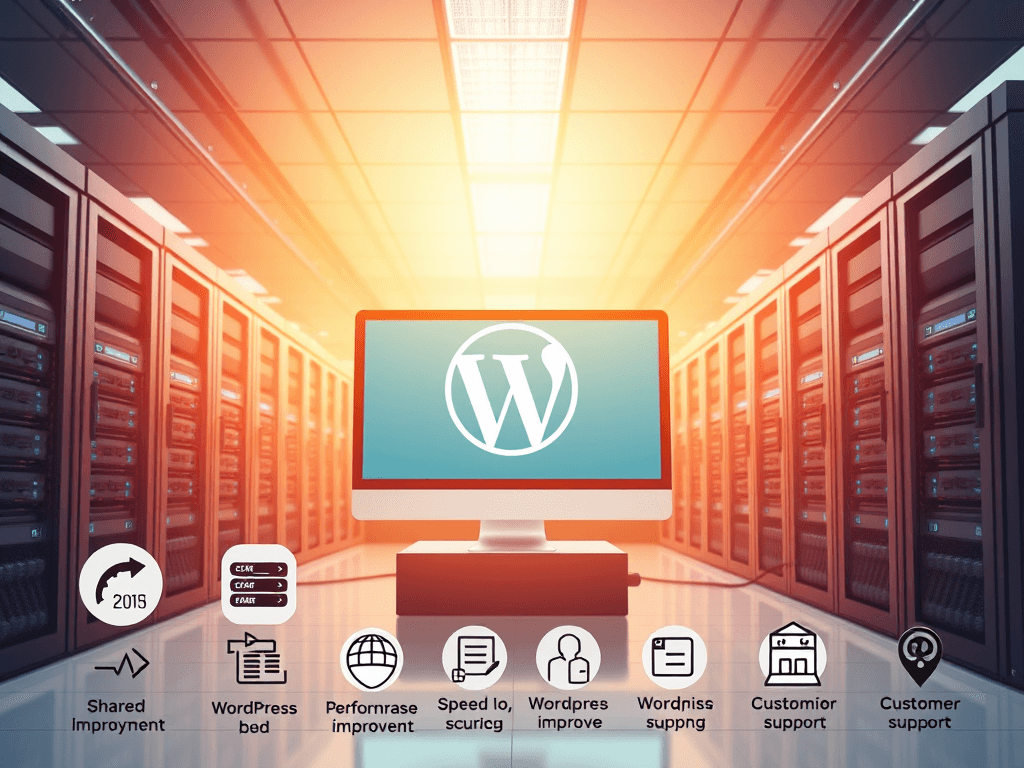
Visual Element:
A simplified overview of a WordPress hosting environment.

Key Features to Look for in a Hosting Provider
When selecting a WordPress hosting provider, focus on five key elements: speed, uptime reliability, customer support, scalability, and security features. A good hosting provider will use the latest SSD technology, provide CDN integration, and have guaranteed uptime above 99.9%. These elements ensure your site remains fast and accessible to visitors at all times.
Security is another top consideration. Excellent providers include built-in malware scanning, SSL certification, and regular backups. Archer IT Solutions, for instance, offers managed security and 24/7 monitoring—ensuring peace of mind for business owners who cannot afford downtime. For even more protection tips, visit WordPress.org’s security section for best practices on keeping your website secure.
Finally, prioritize responsive support. Problems with plugins, updates, or email configuration can occur unexpectedly, and immediate local IT support is crucial. Archer IT Solutions provides remote and onsite troubleshooting (www.archer-its.com/onsite-service), while you can also explore the WPBeginner Troubleshooting Guide for common fixes.
Pros of WordPress Hosting:
- Optimized for WordPress performance
- Enhanced site security and backup solutions
- Easier management and technical support
Cons of WordPress Hosting:
- Slightly higher pricing for managed options
- Limited flexibility for non-WordPress platforms
Common Troubleshooting Tips for WordPress Hosting
Even with the best-managed web hosting, issues such as slow performance, plugin conflicts, or database connection errors can arise. One quick step to resolve many performance issues is to clear your cache and review active plugins. Disabling resource-heavy plugins often improves speed significantly. You can verify plugin impact using GTmetrix, a free performance testing tool.
Downtime or site errors usually indicate an issue with the server environment or DNS configuration. Managed hosting providers like Archer IT Solutions can assist with diagnosing these issues quickly—simply open a support ticket via www.archer-its.com/ticket/ or email support@archer-its.com. Their technical team typically responds within 24 hours with precise, actionable solutions.
For more complex problems—like white screens or failed updates—the WordPress community provides accessible resources such as Kinsta’s Troubleshooting Guide that detail step-by-step solutions. Pairing high-quality hosting with consistent backup and maintenance schedules ensures your site remains stable, secure, and efficient.
WordPress hosting is the foundation of a successful website—offering speed, security, and scalability right out of the box. By choosing a reliable provider like Archer IT Solutions, you ensure your business enjoys high performance and expert local IT support. For any questions, email info@archer-its.com or explore managed hosting plans, web design, or IT services on their website. Start today and experience the difference a professional hosting partner can make in your website’s success.
Strong Calls-to-Action:
- ✅ Explore WordPress web hosting services by Archer IT Solutions
- 🔧 Need help? Submit a Support Ticket
- 🌐 Learn about Managed IT Services for business support
External Supporting Links:
- WordPress.org Hosting Overview – Learn about official WordPress hosting guidelines
- WPBeginner Hosting Guide – Independent hosting advice for users
- GTmetrix Speed Testing Tool – Analyze the speed and performance of your WordPress site
[submit “Submit”]
1
[_site_title] “[your-subject]”
[_site_title]
[_site_admin_email]
From: [your-name] [your-email]
Subject: [your-subject]
Message Body:
[your-message]
—
This is a notification that a contact form was submitted on your website ([_site_title] [_site_url]).
Reply-To: [your-email]
1
1
[_site_title] “[your-subject]”
[_site_title]
[your-email]
Message Body:
[your-message]
—
This email is a receipt for your contact form submission on our website ([_site_title] [_site_url]) in which your email address was used. If that was not you, please ignore this message.
Reply-To: [_site_admin_email]
1
1
Thank you for your message. It has been sent.
There was an error trying to send your message. Please try again later.
One or more fields have an error. Please check and try again.
There was an error trying to send your message. Please try again later.
You must accept the terms and conditions before sending your message.
Please fill out this field.
This field has a too long input.
This field has a too short input.
There was an unknown error uploading the file.
You are not allowed to upload files of this type.
The uploaded file is too large.
There was an error uploading the file.
Please enter an email address.
Please enter a URL.
Please enter a telephone number.
Please enter a date in YYYY-MM-DD format.
This field has a too early date.
This field has a too late date.
Please enter a number.
This field has a too small number.
This field has a too large number.
The answer to the quiz is incorrect.

One response
What is the difference between web hosting and WordPress hosting?