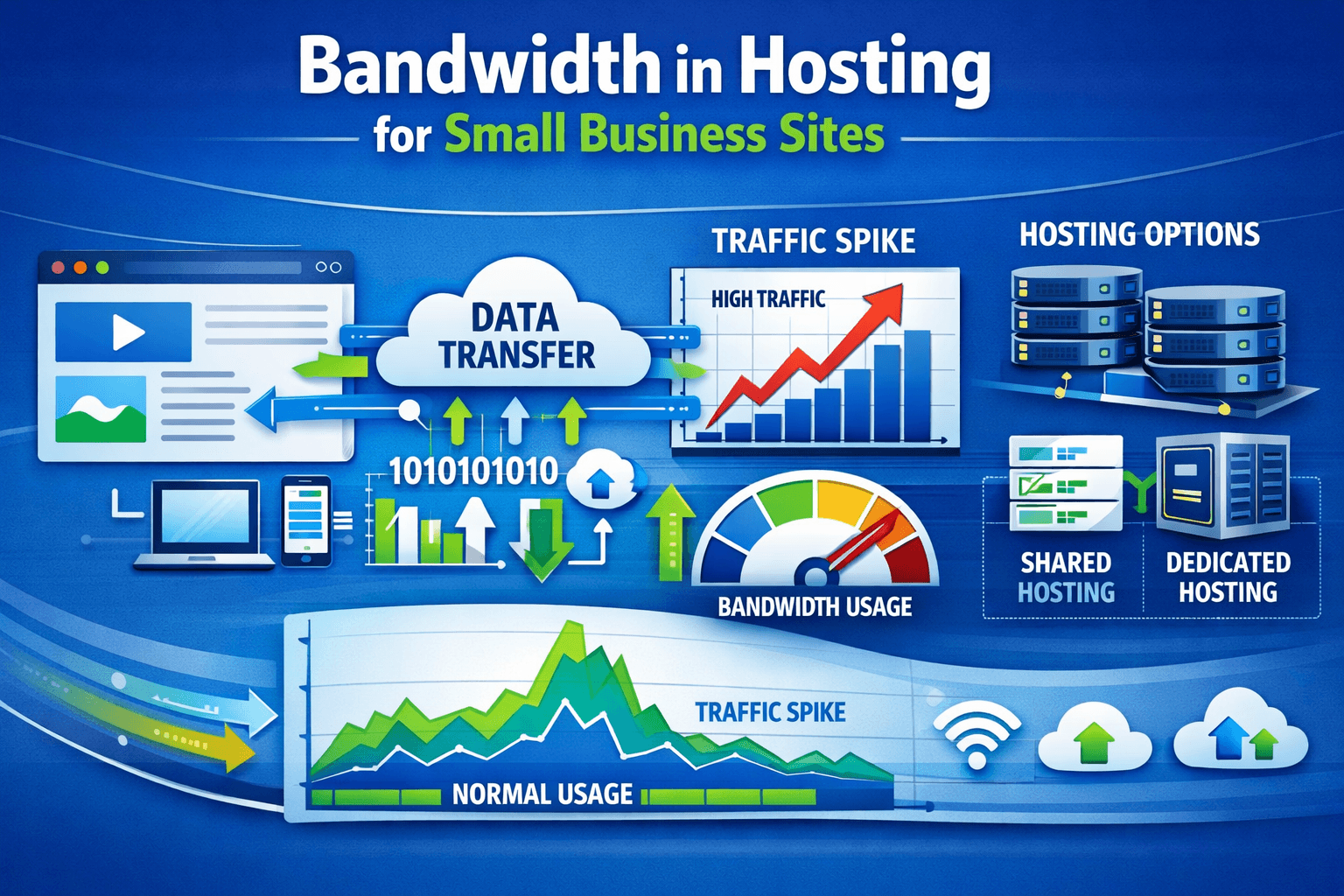
Bandwidth in Hosting Guide for Small Business Sites
Quick Answer
Bandwidth in hosting is the amount of data your website can transfer to visitors over a set period, usually each month. For small business sites, the right amount depends on traffic, page size, images, videos, and downloads. Choosing enough bandwidth helps your site stay fast, available, and ready to grow.
If you are comparing hosting plans for a business website, one of the first terms you will see is bandwidth in hosting. It sounds technical, but the idea is simple: bandwidth affects how much website traffic your hosting account can handle before performance problems start. For small businesses, understanding this can help you avoid slow load times, unexpected limits, and overpaying for resources you do not need.
When business owners shop for hosting, they often focus on storage and price first. Those matter, but bandwidth matters just as much. A website with too little bandwidth may struggle during traffic spikes, seasonal promotions, or busy sales periods. On the other hand, a plan with the right balance of speed, support, and bandwidth can make your site more reliable and professional.
At Archer IT Solutions, we often help beginners and growing companies choose practical hosting that fits their real needs. Whether you run a brochure site, an online store, or a WordPress hosting setup, understanding bandwidth makes it easier to choose confidently and scale later.
What Is Bandwidth in Hosting for Small Sites
Bandwidth in hosting refers to how much data moves between your website and your visitors. Every time someone opens a page, loads an image, watches a video, or downloads a file, data is transferred. Your hosting plan usually sets a monthly limit or describes usage as unmetered under normal conditions.
Think of it like a road between your website and your visitors. The more people using it at once, and the larger the files being delivered, the more traffic that road must handle. A simple website with text and a few images uses much less bandwidth than a site with large product galleries, PDFs, or embedded media.
For small business websites, bandwidth is important because it affects usability and growth. If your site gets more visitors than expected, or your pages are heavy with images and features, low bandwidth can lead to slow performance or account restrictions. That is why it is smart to match your hosting plan to both current traffic and future plans.
Short answer: What is bandwidth in hosting?
Bandwidth in hosting is the amount of data your website sends and receives when people visit it. More traffic, larger pages, and more downloads increase bandwidth usage. Small business sites need enough bandwidth to stay fast and accessible, especially during busy periods.
Common examples of bandwidth usage
- Loading homepage images
- Visiting service pages
- Downloading brochures or PDFs
- Streaming audio or video content
- Viewing product galleries
- Running blog pages with lots of media
Pros and cons of higher bandwidth plans
Pros
- Better support for growing traffic
- Lower risk during promotions or traffic spikes
- More flexibility for media-heavy pages
- Better fit for eCommerce and WordPress hosting
Cons
- May cost more than a basic plan
- Easy to overbuy if your site is very small
- Some “unlimited” plans still have fair-use terms
Helpful links
- Related guide: The Complete Guide to Web Hosting
- Service page: Web Hosting by Archer IT Solutions
- Supporting blog/company page: About Archer IT Solutions
External resources
- Cloudflare Learning Center: What is bandwidth?
- Google PageSpeed Insights
- MDN Web Docs: Optimizing images
How Much Bandwidth Does Your Business Need
The amount of bandwidth in hosting your business needs depends on a few simple factors: how many visitors you get, how large your pages are, and what type of content you offer. A five-page local business website will usually need far less bandwidth than an online store with product photos, blog content, and customer account pages.
A practical way to estimate usage is to multiply your average page size by your monthly visitors and then add a safety buffer. For example, if your average page is 2 MB and you expect 5,000 page views per month, that is around 10 GB of data transfer. Add extra room for growth, caching differences, and updates, and a 15–25 GB plan may be more realistic.
Small businesses should also think beyond today’s traffic. If you plan to add blog posts, image galleries, booking tools, or eCommerce features, your bandwidth needs will rise. This is especially true for WordPress hosting, where plugins, themes, and media can increase page size quickly if not optimized.
Simple bandwidth estimate table
| Website Type | Monthly Visitors | Average Page Size | Estimated Monthly Bandwidth |
|---|---|---|---|
| Basic service website | 1,000 | 1.5 MB | 1.5–3 GB |
| Small business brochure site | 5,000 | 2 MB | 10–15 GB |
| Blog with images | 10,000 | 2.5 MB | 25–35 GB |
| Small online store | 15,000 | 3 MB | 45–60 GB |
| Media-heavy business site | 20,000+ | 4 MB+ | 80 GB+ |
Signs you may need more bandwidth
- Your website slows down during busy times
- You are adding more product or gallery images
- You host downloadable files
- You run ads or promotions that increase traffic
- Your host warns you about high resource usage
Troubleshooting bandwidth problems
If your website is using more bandwidth than expected, start by checking page size. Large images are one of the most common reasons small business sites consume too much data. Compressing images, enabling browser caching, and using a content delivery network can reduce strain quickly.
Next, review plugins, themes, and embedded media if you use WordPress. Some features load scripts, fonts, or videos on every page, even when they are not necessary. Cleaning up these extras can improve speed and reduce data transfer without changing your design too much.
Finally, talk to your hosting provider if traffic is growing. Sometimes the problem is actually the hosting plan, not the site itself. Upgrading to a better business hosting package can give you more bandwidth, better server performance, and stronger reliability. If you are unsure what fits your business, contact Archer IT Solutions for guidance or visit the support page for technical help.
Soft CTA
If you are not sure whether your current hosting plan is enough, this is a good time to review it before your site slows down. Explore Archer IT Solutions’ web hosting services to compare practical options for small business growth.
FAQ
What is bandwidth in hosting in simple terms?
Bandwidth in hosting is the amount of data your website sends to visitors. Every page view, image load, and file download uses part of that allowance. The more traffic and heavier your pages are, the more bandwidth you need.
Is bandwidth the same as website speed?
No. Bandwidth and speed are related, but not the same. Bandwidth is about data transfer capacity, while speed is how fast your site loads. A website can have plenty of bandwidth and still be slow if images are too large or the server is poorly configured.
Do small business websites need unlimited bandwidth?
Not always. Many small websites do fine on standard plans with reasonable bandwidth limits. “Unlimited” or unmetered plans can be helpful, but you should still read fair-use policies and make sure the plan suits your traffic and content type.
How do I reduce bandwidth usage?
You can reduce bandwidth by:
- Compressing images
- Using caching
- Limiting autoplay media
- Cleaning up unnecessary plugins
- Using a CDN
- Optimizing your WordPress hosting setup
What happens if I exceed bandwidth limits?
Depending on the host, your site may slow down, show warnings, face extra charges, or be asked to upgrade plans. That is why it is best to choose hosting with room for growth rather than only enough for current traffic.
Understanding bandwidth in hosting helps small business owners make smarter hosting decisions. It is not just a technical term—it directly affects site performance, customer experience, and your ability to grow online. The right plan gives you enough room for daily traffic, marketing campaigns, and future content without wasted cost.
If your website is growing or your current host feels limiting, now is a great time to upgrade to a plan built for business use. Visit Archer IT Solutions’ Web Hosting page to find the right fit, or contact the team with sales questions. For support issues, you can also open a ticket at https://archer-its.com/ticket/.
[submit “Submit”]
1
[_site_title] “[your-subject]”
[_site_title]
[_site_admin_email]
From: [your-name] [your-email]
Subject: [your-subject]
Message Body:
[your-message]
—
This is a notification that a contact form was submitted on your website ([_site_title] [_site_url]).
Reply-To: [your-email]
1
1
[_site_title] “[your-subject]”
[_site_title]
[your-email]
Message Body:
[your-message]
—
This email is a receipt for your contact form submission on our website ([_site_title] [_site_url]) in which your email address was used. If that was not you, please ignore this message.
Reply-To: [_site_admin_email]
1
1
Thank you for your message. It has been sent.
There was an error trying to send your message. Please try again later.
One or more fields have an error. Please check and try again.
There was an error trying to send your message. Please try again later.
You must accept the terms and conditions before sending your message.
Please fill out this field.
This field has a too long input.
This field has a too short input.
There was an unknown error uploading the file.
You are not allowed to upload files of this type.
The uploaded file is too large.
There was an error uploading the file.
Please enter an email address.
Please enter a URL.
Please enter a telephone number.
Please enter a date in YYYY-MM-DD format.
This field has a too early date.
This field has a too late date.
Please enter a number.
This field has a too small number.
This field has a too large number.
The answer to the quiz is incorrect.

No responses yet