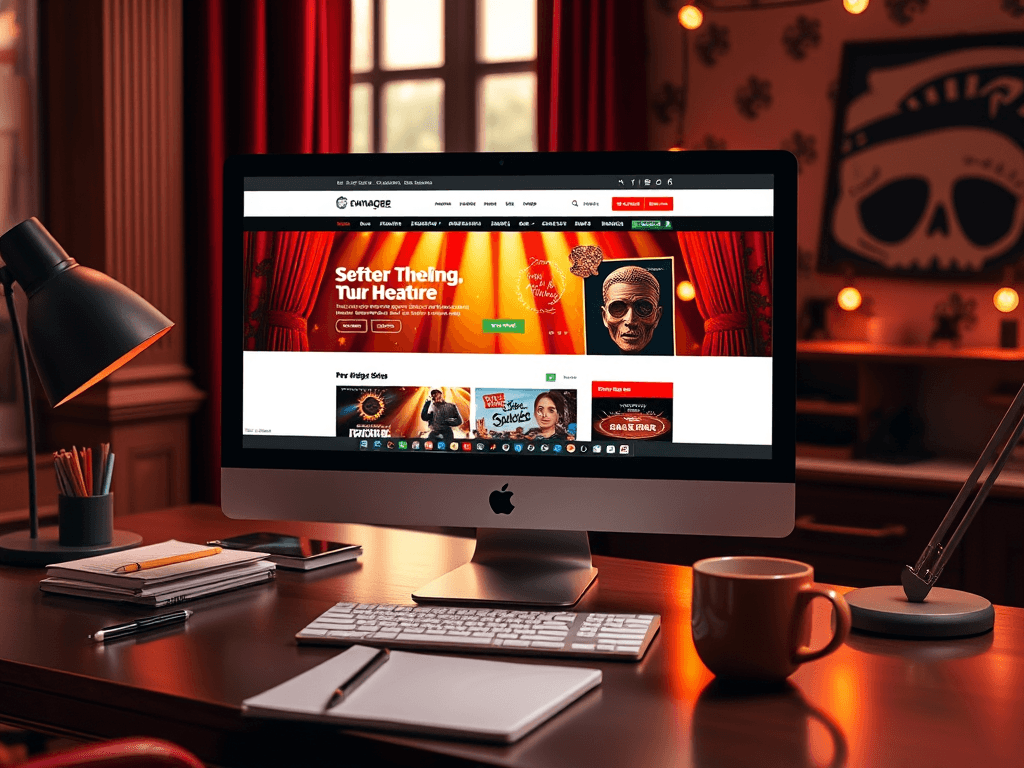
Best Website Design for Theatre Managers
A theatre’s website is more than a ticket-selling platform—it’s a stage where creativity, professionalism, and audience engagement meet. As a theatre manager, your site should reflect the artistry of your productions while offering seamless usability for visitors. Whether you’re redesigning an existing site or creating one from scratch, the best theatre websites tell stories through design, layout, and user experience.
Designing Theatre Websites That Captivate Audiences
A theatre website should immediately capture the drama and spirit of live performance. Your homepage acts as the playbill—setting the tone with bold visuals, compelling calls to action (like “Book Tickets”), and clear navigation paths. Thoughtful use of white space helps emphasize your theatre’s upcoming shows, while focus points like banners and hero images provide immediate emotional appeal. According to Interaction Design Foundation, users naturally scan from the top-left corner, making this space ideal for your theatre’s name or current headline show.
Visual hierarchy is crucial in guiding the visitor’s attention. Use size, contrast, and color deliberately—perhaps featuring current productions with vibrant imagery and past shows in more muted tones. This keeps the focus where you want it while maintaining coherence. Balance your creative flair with accessibility by using readable fonts and accessible color combinations. Check accessibility standards through WebAIM’s Contrast Checker.
The pros of an expressive, interactive site include boosting engagement, ticket sales, and brand recall. However, overly complex animations or unoptimized media can slow loading times—a con that can frustrate mobile users. The goal is harmony between performance and aesthetics. Summary: Your website’s design should reflect your theatre’s personality while keeping visitors informed and engaged.

Essential Web Layout Tips for Theatre Managers
Focus on creating a layout that mirrors how audiences scan pages. Most visitors follow an “F-shaped” pattern—browsing top headlines, then down the left side. Ensure that show schedules, ticket links, and contact details align with these natural eye movements. Use generous whitespace around important sections to reduce visual clutter and guide attention effectively.
The technical structure also plays a major role. Responsive design ensures accessibility across smartphones, tablets, and desktops. Use a reliable hosting provider such as Archer IT Solutions, who offer secure and fast web hosting tailored for theatre websites. For plugin management, always test compatibility before updates. Common issues involve outdated themes or incompatible versions of WordPress plugins. Troubleshoot by temporarily disabling plugins, clearing your cache, or contacting professional support at www.archer-its.com/ticket.
When evaluating pros and cons, consider that flexible, modular web layouts allow quick updates to show times or booking info; yet customization can be time-consuming. A managed IT service, like Archer IT Solutions Managed IT Support, can maintain updates and reduce downtime. Summary: Prioritize responsive design, plugin health, and visual consistency for a layout that’s as functional as it is beautiful.

Building the best website for your theatre management business means combining artistry with usability. Reflect on your audience’s journey: from their first glimpse of your homepage to the moment they book tickets. Ask yourself—does your site evoke the magic of your live performances while staying user-friendly?
For web hosting and technical support, reach out to Archer IT Solutions:
- Website: www.archer-its.com
- Support: www.archer-its.com/ticket/
- Email: support@archer-its.com
You can also explore external resources like Smashing Magazine Web Design for inspiration and in-depth design strategy insights.
Encouragement: Take a moment to review your current website. How does it make your audience feel? If your digital stage isn’t yet setting the right scene, now’s the perfect time to redesign it—with the right partners by your side.
Starter Website
Use our AI bots to build a starter website for you.
$50 setup with hosting at $9.99 per month
[submit “Submit”]
1
[_site_title] “[your-subject]”
[_site_title]
[_site_admin_email]
From: [your-name] [your-email]
Subject: [your-subject]
Message Body:
[your-message]
—
This is a notification that a contact form was submitted on your website ([_site_title] [_site_url]).
Reply-To: [your-email]
1
1
[_site_title] “[your-subject]”
[_site_title]
[your-email]
Message Body:
[your-message]
—
This email is a receipt for your contact form submission on our website ([_site_title] [_site_url]) in which your email address was used. If that was not you, please ignore this message.
Reply-To: [_site_admin_email]
1
1
Thank you for your message. It has been sent.
There was an error trying to send your message. Please try again later.
One or more fields have an error. Please check and try again.
There was an error trying to send your message. Please try again later.
You must accept the terms and conditions before sending your message.
Please fill out this field.
This field has a too long input.
This field has a too short input.
There was an unknown error uploading the file.
You are not allowed to upload files of this type.
The uploaded file is too large.
There was an error uploading the file.
Please enter an email address.
Please enter a URL.
Please enter a telephone number.
Please enter a date in YYYY-MM-DD format.
This field has a too early date.
This field has a too late date.
Please enter a number.
This field has a too small number.
This field has a too large number.
The answer to the quiz is incorrect.

No responses yet