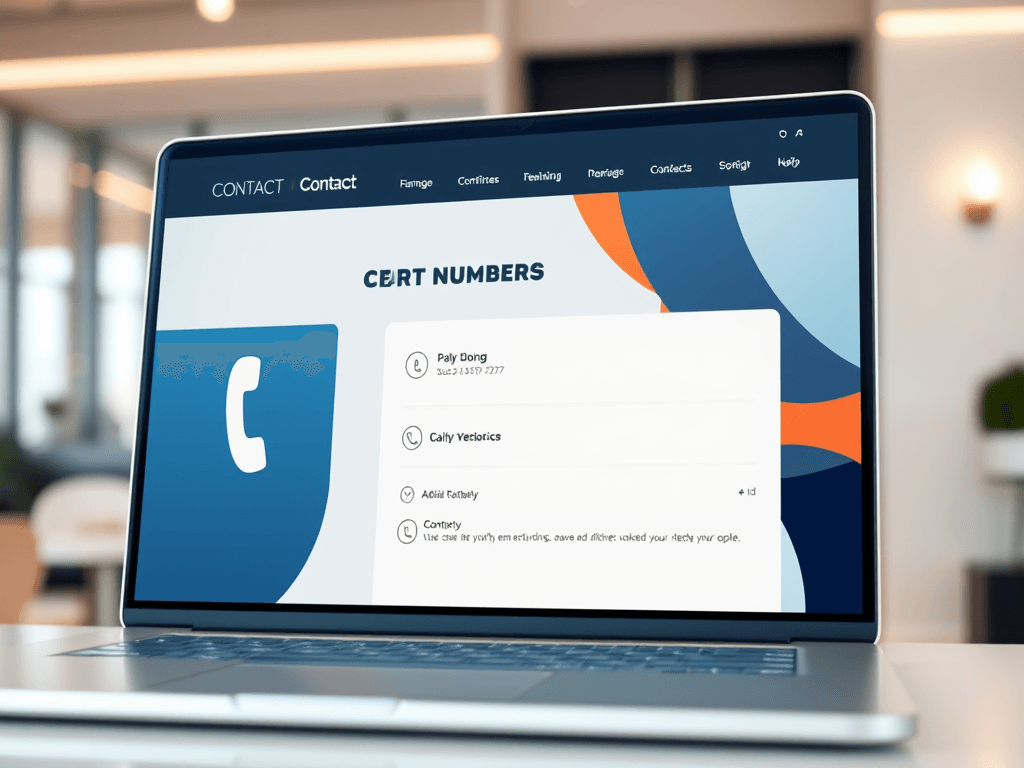
Having contact phone numbers prominently displayed on a website is more than just a design choice—it’s a statement of accessibility and trust. In a digital world filled with automation, customers still value the reassurance of being able to instantly reach a real person. Whether it’s for technical support, billing inquiries, or pre-purchase concerns, the visibility of contact information can dramatically improve user confidence and engagement.
Why Displaying Contact Numbers Prominently Improves Trust
Clearly displaying contact numbers near the top of a website, especially within the header or a designated “Contact Us” section, can enhance user trust and reduce hesitation. According to a 2023 study by Nielsen Norman Group, users often scan websites in an “F-pattern,” meaning the eye first travels across the top and then down the left side. This natural scanning habit makes the top-left area prime real estate for contact information. Businesses that position contact numbers prominently create an instant sense of credibility and availability.
From a design perspective, visual hierarchy plays a crucial role in directing attention. Larger fonts, contrasting colors, and clear spacing help users immediately identify important details, like support or sales numbers. White space around the contact section prevents clutter, making users feel calm and confident that assistance is within easy reach. For instance, including a phone icon next to the number subtly reinforces its purpose, guiding even those less familiar with web navigation.
Here’s why it matters:
- Improves trustworthiness – Clear contact info signals that the company is legitimate.
- Enhances usability – Users can find help without navigating multiple menus.
- Reduces frustration – Quick access to support improves customer satisfaction.
Summary: A prominently displayed phone number boosts trust and reassurance while subtly improving usability through thoughtful design and layout choices.
Case Studies Showing How Clear Contact Info Boosts Engagement
A case study by the Baymard Institute showed that websites with visible contact details had a 25–35% higher user engagement rate, as customers felt more secure proceeding through checkout processes. In contrast, sites that buried their phone numbers deep within subpages saw higher abandonment rates. This reinforces that accessibility isn’t just about function—it’s about the psychology of trust.
For example, Archer IT Solutions (website) integrates contact accessibility across its digital assets. Each service page—ranging from Managed IT Support to Web Hosting—features quick access to assistance via phone or their Support Ticket System. This approach ensures clients can resolve issues quickly, especially in managed environments where downtime can be costly. Inquiries via support@archer-its.com typically receive replies within 24 hours.
Troubleshooting common issues: Occasionally, businesses using WordPress or third-party plugins may see contact widgets malfunction after updates. To fix this:
- Check plugin compatibility after theme updates.
- Use custom shortcodes or dedicated contact widgets compatible with your CMS version.
- Test the display on mobile devices to ensure scaling doesn’t hide contact info.
Summary: Case studies prove that visibility leads to measurable engagement and smoother user experiences, especially when contact details are seamlessly integrated into the design system.
Pros and Cons of Prominent Phone Display
Pros
- Builds brand credibility and transparency
- Encourages immediate interaction, reducing abandonment
- Strengthens customer service perception
Cons
- May increase call volume beyond staff capacity
- Requires consistent updating for changing numbers or staff roles
- Can clutter design if not implemented thoughtfully
External resources such as Nielsen Norman Group and Baymard Institute provide excellent insights on usability design and trust signals. Each supports placing essential contact details in predictable, visible areas to improve accessibility and trust.
Summary: While visible numbers promote openness and trust, thoughtful implementation and maintenance ensure functionality without overwhelming support teams.
In the end, whether you’re managing a small business site or a large e-commerce platform, prominently displaying your contact phone numbers is about more than convenience—it’s about authenticity and user confidence. Reflect on your own browsing habits: when was the last time you trusted a website that made it difficult to reach someone? Websites like Archer IT Solutions demonstrate that visibility and reliability go hand in hand. If your support needs are technical or hosting-related, you can always reach them at www.archer-its.com/ticket/ for professional guidance. Ultimately, it’s simple—make it easy to be reached, and your customers will keep reaching out.

[submit “Submit”]
1
[_site_title] “[your-subject]”
[_site_title]
[_site_admin_email]
From: [your-name] [your-email]
Subject: [your-subject]
Message Body:
[your-message]
—
This is a notification that a contact form was submitted on your website ([_site_title] [_site_url]).
Reply-To: [your-email]
1
1
[_site_title] “[your-subject]”
[_site_title]
[your-email]
Message Body:
[your-message]
—
This email is a receipt for your contact form submission on our website ([_site_title] [_site_url]) in which your email address was used. If that was not you, please ignore this message.
Reply-To: [_site_admin_email]
1
1
Thank you for your message. It has been sent.
There was an error trying to send your message. Please try again later.
One or more fields have an error. Please check and try again.
There was an error trying to send your message. Please try again later.
You must accept the terms and conditions before sending your message.
Please fill out this field.
This field has a too long input.
This field has a too short input.
There was an unknown error uploading the file.
You are not allowed to upload files of this type.
The uploaded file is too large.
There was an error uploading the file.
Please enter an email address.
Please enter a URL.
Please enter a telephone number.
Please enter a date in YYYY-MM-DD format.
This field has a too early date.
This field has a too late date.
Please enter a number.
This field has a too small number.
This field has a too large number.
The answer to the quiz is incorrect.
Discover more from Archer IT Solutons
Subscribe to get the latest posts sent to your email.
Discover more from Archer IT Solutons
Subscribe to get the latest posts sent to your email.

No responses yet