Building the Perfect Website for Your Daycare Business
Creating the perfect website for your daycare business isn’t just about having a bright logo or cute pictures—it’s about building trust, showcasing professionalism, and making navigation effortless for busy parents. Your digital presence should reflect the warmth and structure of your daycare while helping potential clients easily find key information. Below, we explore the best practices and strategies to design a website that nurtures trust and engagement from the very first click.
Designing a User-Friendly Website for Daycares
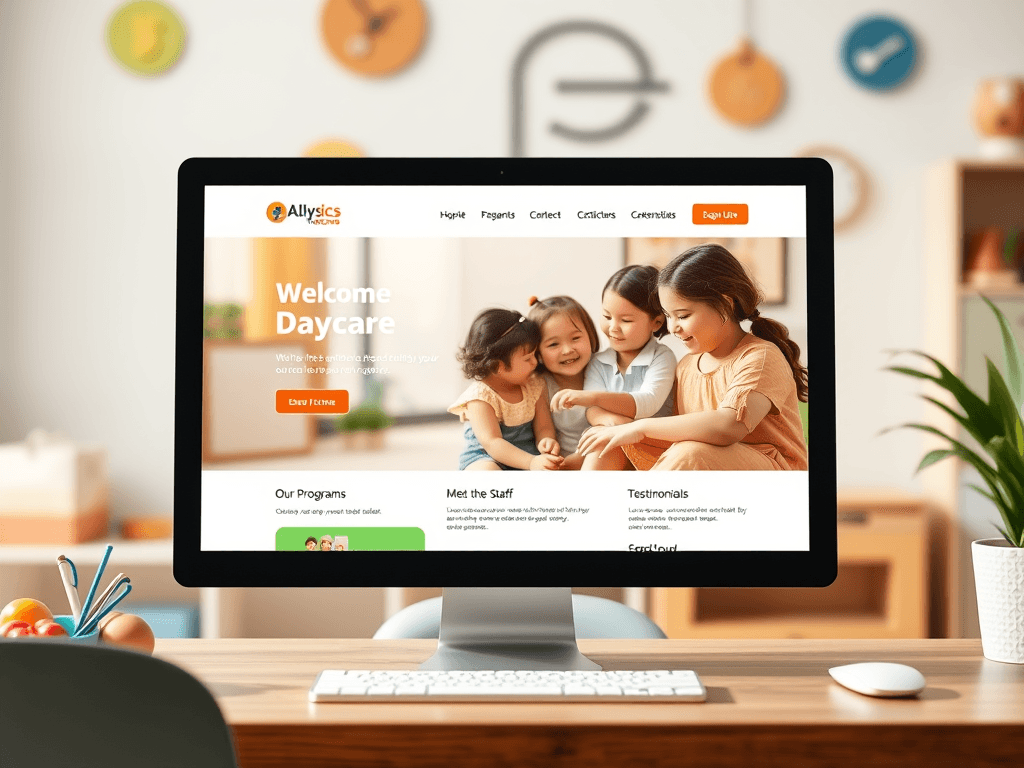
When building a website for your daycare business, the focus should be on intuitive navigation and easy access to critical information like hours, programs, and pricing. Parents are typically short on time, so make sure your homepage immediately answers their main questions. A well-structured menu and visually distinct sections—such as Our Programs, Meet the Staff, and Parent Testimonials—will guide users naturally. According to user behavior research on visual hierarchy, most people start scanning from the top-left corner, so place your logo, contact info, or key calls-to-action there.
Visual design elements like color, contrast, and typography can drastically shape the user experience. Choose soft, inviting colors that align with childcare themes while maintaining readability. High-resolution images of your daycare environment can build emotional connection—but make sure media doesn’t slow down your site. Hosting services such as GTmetrix or PageSpeed Insights can help you optimize load times, ensuring your website remains fast and frustration-free.
Technically, your site should also perform consistently across devices. Many parents will browse from mobile phones, so responsive design is essential. Test your site on various screen sizes and browsers, and ensure contact forms or online sign-up options function smoothly. If you encounter plugin compatibility issues on platforms like WordPress, start troubleshooting by disabling recent plugin updates one by one or checking conflict logs in your hosting panel. If you need additional technical support, Archer IT Solutions provides professional Web Design Services and hosting assistance at support@archer-its.com.
Summary: A user-friendly daycare website requires intuitive navigation, responsive design, fast loading, and trusted technical support to keep performance at its best.
Enhancing Engagement and Trust Through Smart Design
Once your site is functional, focus on creating emotional engagement and credibility. Parents must feel confident that they can trust you with their children. Include professional photography of your daycare environment, parent testimonials, and safety certifications. Highlight daily routines or educational philosophies to show transparency and commitment. Use micro-interactions like gentle animations or color transitions to add warmth without distracting from key messages.
Establishing trust also involves clear communication and compliance. Include information on safety standards, staff qualifications, and emergency procedures. You can link to recognized childcare resources such as ChildCare.gov or NAEYC for added authority. To enhance interaction, integrate features like live chat or a simple “Schedule a Tour” button. These help convert visitors into customers while maintaining a human touch.
Pros: Builds trust, engages parents, improves SEO ranking.
Cons: Requires consistent updates, careful management of child photos, and attention to accessibility standards.
Summary: Smart design creates emotional trust and encourages parental engagement—vital ingredients for turning visitors into long-term clients.
Troubleshooting and Optimizing for Long-Term Success
Even with a beautiful website, technical hiccups may occur. Plugin conflicts, broken forms, or slow pages can harm credibility. Common causes include outdated plugins, theme compatibility issues, or insufficient server resources. When troubleshooting, check plugin versions and PHP compatibility first. If your site goes down, contact your hosting provider immediately. Archer IT Solutions’ Web Hosting Support team responds to support tickets within 24 hours at www.archer-its.com/ticket.
To maintain optimal performance, schedule regular maintenance and backups. You can use free tools like Uptime Robot to monitor site availability or Canva Design School to refine visuals as trends evolve. Continuous improvement ensures your daycare website grows alongside your business.
Finally, remember to keep your content fresh—post updates, event photos, or parent resources to show an active community. A dynamic daycare website not only informs but also reassures prospective parents that your business is alive, caring, and trustworthy.
Summary: Long-term website success relies on proper maintenance, quick troubleshooting, and ongoing optimization with reliable technical support.
Building a daycare website that blends warmth, trust, and usability takes thoughtful design and reliable technology. By focusing on user experience, transparency, and dependable support from partners like Archer IT Solutions, you can create a digital space that truly reflects your care philosophy. Reflect on what values define your daycare and let those shine through every click, image, and page interaction—because your website might just be the first “hello” parents experience.
Suggested Images:
- A bright daycare classroom setup with happy children (symbolizing trust)
- A mobile phone showing a daycare website homepage (representing responsive design)
- A parent reviewing daycare options online (emphasizing engagement)
Starter Website
Use our AI bots to build a starter website for you.
$50 setup with hosting at $9.99 per month
[submit “Submit”]
1
[_site_title] “[your-subject]”
[_site_title]
[_site_admin_email]
From: [your-name] [your-email]
Subject: [your-subject]
Message Body:
[your-message]
—
This is a notification that a contact form was submitted on your website ([_site_title] [_site_url]).
Reply-To: [your-email]
1
1
[_site_title] “[your-subject]”
[_site_title]
[your-email]
Message Body:
[your-message]
—
This email is a receipt for your contact form submission on our website ([_site_title] [_site_url]) in which your email address was used. If that was not you, please ignore this message.
Reply-To: [_site_admin_email]
1
1
Thank you for your message. It has been sent.
There was an error trying to send your message. Please try again later.
One or more fields have an error. Please check and try again.
There was an error trying to send your message. Please try again later.
You must accept the terms and conditions before sending your message.
Please fill out this field.
This field has a too long input.
This field has a too short input.
There was an unknown error uploading the file.
You are not allowed to upload files of this type.
The uploaded file is too large.
There was an error uploading the file.
Please enter an email address.
Please enter a URL.
Please enter a telephone number.
Please enter a date in YYYY-MM-DD format.
This field has a too early date.
This field has a too late date.
Please enter a number.
This field has a too small number.
This field has a too large number.
The answer to the quiz is incorrect.

No responses yet