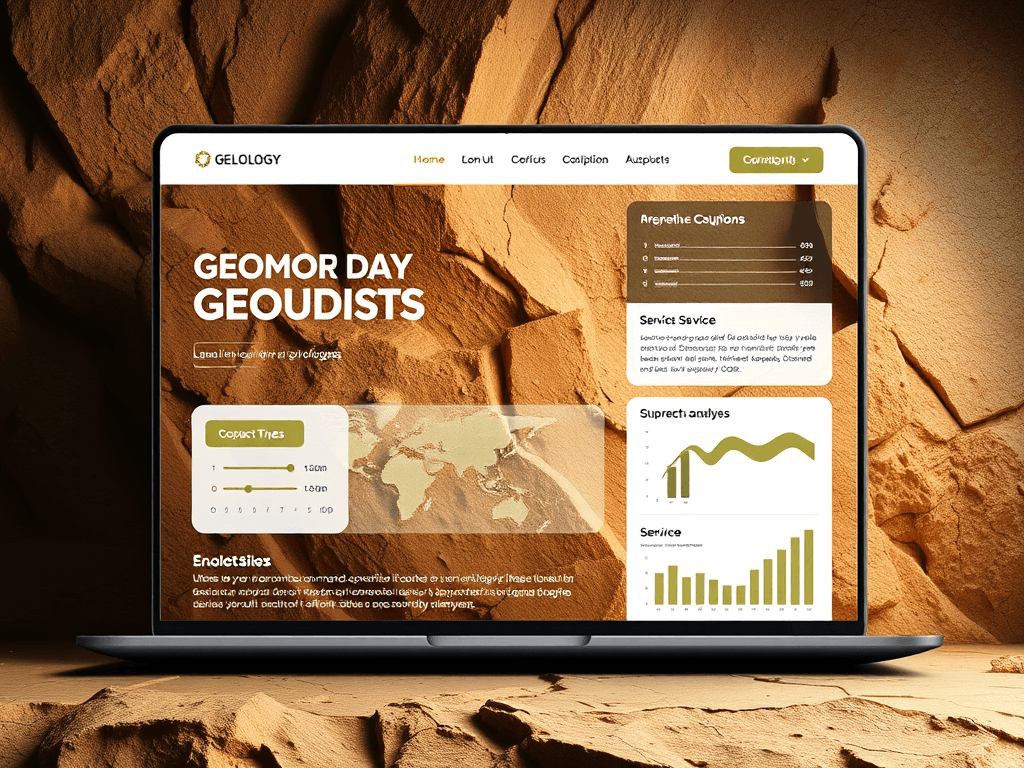
Building the Perfect Website for Your Geology Business

For geologists, having an online presence is no longer optional—it’s essential. A well-structured website not only showcases your expertise in geology but also builds trust with potential clients, partners, and students. From displaying detailed research portfolios to offering mapping services, your website can serve as the digital basecamp for your business operations. In this article, we’ll explore how to design a geology website that converts visitors into clients and provides a seamless user experience that reflects professionalism and credibility.
Designing a Geology Business Website That Converts
Creating a website for your geology business begins with a clear focus on visual hierarchy and user behavior. Studies show that 57% of users’ first impressions relate to design, so it’s critical to capture attention early. Use an earthy color palette with contrasting elements to make headings and calls-to-action stand out. Place your most valuable content—such as service highlights and credentials—on the top-left area of the homepage, as that’s where users’ eyes typically begin scanning.
You can explore visual design principles for science-based websites at Interaction Design Foundation.
Modern geology websites must balance science and storytelling. Think of how to simplify dense geological data using visuals like interactive maps, charts, or downloadable PDFs. Your “About” and “Services” pages should emphasize both your credibility (education, certifications, experience) and your value proposition—what sets you apart from competitors. For instance, emphasize if you provide advanced environmental assessments, soil studies, or GPS-enabled geological surveys.
Here are some key elements every geology business website should include:
- Clear service descriptions and contact information
- Visuals (maps, field photos, 3D models)
- Case studies or project portfolios
- Integration with booking tools or inquiry forms
- SEO-optimized content for keywords like geology consultancy, rock analysis, or soil testing services
Summary: Design with purpose—align visuals, content, and user flow so potential clients immediately understand what your geology business offers and why they should trust you.
Optimizing User Experience for Geology Professionals
A geology website should not only look good but also be easy to use. A solid user experience (UX) can reduce bounce rates and increase conversions. According to Google’s 2023 Web Vitals Report, websites with fast load times see up to 70% longer session durations. Opt for a clean layout with consistent spacing, legible fonts, and intuitive navigation. Use white space to allow visual breathing room—this helps visitors focus on your most important geological insights and services.
For professionals offering technical content or data-heavy visuals, plugin compatibility becomes crucial. Conflicts between mapping plugins, 3D renderers, or form builders can cause errors or slow performance. Troubleshoot by:
- Updating all plugins regularly
- Testing compatibility in a staging environment before going live
- Seeking professional IT support if an issue persists
If you need help resolving such technical issues, Archer IT Solutions provides reliable web hosting, onsite or remote IT services, and web design support. They respond to most support requests within 24 hours. For technical help, contact support@archer-its.com or submit a ticket at https://archer-its.com/ticket.
When designing your geology site for UX, keep these pros and cons in mind:
Pros:
- Builds trust through professional presentation
- Encourages longer visitor engagement
- Easier for clients to contact your team
Cons:
- Poorly optimized plugins can slow performance
- Overusing visuals may distract from content focus
Summary: Prioritize speed, clarity, and plugin reliability. An optimized geology website enhances credibility and delivers information efficiently to clients, researchers, and collaborators.

Building the perfect website for your geology business means blending scientific authority with good design and trustworthy technical performance. Whether you specialize in rock mechanics, sediment studies, or geotechnical assessments, your website should reflect your precision and professionalism. Take time to evaluate your current online presence—how does it communicate your expertise? What improvements can be made for smoother navigation or faster support?
If you’re unsure how to implement some of these features, Archer IT Solutions can help with web design services, managed IT support, and dependable web hosting. For a stronger online foundation, connect with the right team and invest in the digital side of your geology business today. For further exploration of digital design for scientific websites, visit Nielsen Norman Group, a source for evidence-based UX practices.
[submit “Submit”]
1
[_site_title] “[your-subject]”
[_site_title]
[_site_admin_email]
From: [your-name] [your-email]
Subject: [your-subject]
Message Body:
[your-message]
—
This is a notification that a contact form was submitted on your website ([_site_title] [_site_url]).
Reply-To: [your-email]
1
1
[_site_title] “[your-subject]”
[_site_title]
[your-email]
Message Body:
[your-message]
—
This email is a receipt for your contact form submission on our website ([_site_title] [_site_url]) in which your email address was used. If that was not you, please ignore this message.
Reply-To: [_site_admin_email]
1
1
Thank you for your message. It has been sent.
There was an error trying to send your message. Please try again later.
One or more fields have an error. Please check and try again.
There was an error trying to send your message. Please try again later.
You must accept the terms and conditions before sending your message.
Please fill out this field.
This field has a too long input.
This field has a too short input.
There was an unknown error uploading the file.
You are not allowed to upload files of this type.
The uploaded file is too large.
There was an error uploading the file.
Please enter an email address.
Please enter a URL.
Please enter a telephone number.
Please enter a date in YYYY-MM-DD format.
This field has a too early date.
This field has a too late date.
Please enter a number.
This field has a too small number.
This field has a too large number.
The answer to the quiz is incorrect.

No responses yet