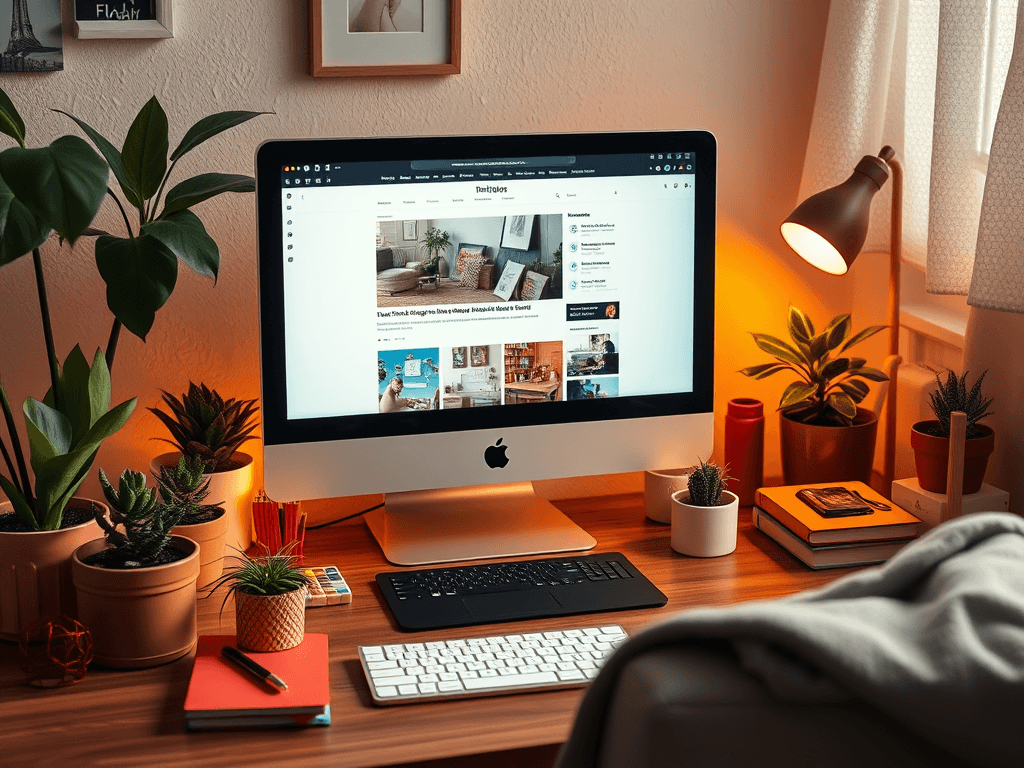
Choosing the Right Photos to Enhance Your Blog Design
Images play a far more important role in blogging than many realize. The right visuals can instantly engage readers, direct their focus, and strengthen your blog’s message. When chosen with purpose, photos can help establish trust, clarity, and a unique style that supports the overall design of your blog. This article explores how images shape reader attention and how to select photos that naturally guide the user’s eye while complementing your content layout.
Understanding How Images Shape Reader Attention
Photos are not just decorative—they are strategic tools that influence where a reader looks first. Studies in eye-tracking suggest that most readers start scanning from the top-left section of a webpage, moving in an “F-shaped” pattern across the content. A high-quality, well-placed image can intercept that gaze and guide it toward your headlines or calls to action. For example, a bright image near your introductory text can capture initial attention and encourage readers to explore more deeply into your post.
Strategically chosen visuals help reinforce your blog’s visual hierarchy. Larger or more colorful images naturally attract attention first, while muted tones or smaller graphics take on a supporting role. This allows readers to navigate intuitively, following visual cues that lead them from key ideas to supporting details. When combined with effective whitespace, typography, and consistent color schemes, your images help deliver a clean and balanced reading experience.
However, not every photo enhances a design. Overly busy, low-resolution, or irrelevant images can confuse readers and disrupt the flow of information. When troubleshooting layout issues, a good rule is to ask: does this image help guide or distract? If it’s the latter, consider resizing, repositioning, or replacing the image. Testing your blog with fresh eyes—or tools like Hotjar for tracking eye movement—can offer valuable insight into how visuals affect reader engagement.
Selecting Photos That Strengthen Your Blog’s Visual Flow
Selecting the right photos for your blog begins with understanding your content tone and audience intent. For instance, a professional tech blog such as Archer IT Solutions’ web design services benefits from clean, high-resolution technology or workspace images that reflect trust and reliability. On the other hand, lifestyle or creative blogs thrive on vibrant, personality-driven photos that build emotional connection. Always align visuals with what your readers value most—function, inspiration, or expertise.
From a design standpoint, consistency is key. Photos should share a common color temperature, style, and composition to preserve a unified look across your posts. Using tools like Canva, Adobe Express, or free stock sites such as Unsplash and Pexels can help you maintain visual harmony. Pros include easy access to quality images and flexible editing options, while cons might involve overused stock photos that weaken originality. The solution often lies in subtle customization—adjusting brightness, cropping, or overlaying text for a signature touch.
If visuals aren’t aligning smoothly, troubleshoot by simplifying the structure. Limit the number of dominant visuals per scroll section and ensure that each image directly supports your heading or paragraph. Test different placements: try moving images from left to right, or changing size ratios to control focus. Each modification can increase readability and visual rhythm, ensuring readers follow the designed path effortlessly from start to finish.
Examples of Visual Balance and Focus
- A blog about cloud hosting could feature a sleek image of digital networks near the main headline.
- A post about productivity may use an image of a minimal desk setup to suggest clarity and order.
- For Archer IT Solutions’ clients seeking hosting tips, a clear diagram of server management could complement written guidance.
Improve Internal Linking and CTA
To maintain a connected content journey, link relevant service areas:
If you need personalized web design or image optimization assistance, reach out to sales@archer-its.com or submit a ticket at www.archer-its.com/ticket/.
The right photos can turn a plain blog layout into an engaging, reader-focused experience. By understanding how visuals direct attention and selecting images that strengthen visual flow, you create an intuitive path for readers to follow. As you refine your blog’s image strategy, remember to balance creativity with clarity—each visual should serve a purpose. For further design optimization or web support, visit Archer IT Solutions, where tailored solutions help bring your content and visuals together seamlessly.
Starter Website
Use our AI bots to build a starter website for you.
$50 setup with hosting at $9.99 per month
[submit “Submit”]
1
[_site_title] “[your-subject]”
[_site_title]
[_site_admin_email]
From: [your-name] [your-email]
Subject: [your-subject]
Message Body:
[your-message]
—
This is a notification that a contact form was submitted on your website ([_site_title] [_site_url]).
Reply-To: [your-email]
1
1
[_site_title] “[your-subject]”
[_site_title]
[your-email]
Message Body:
[your-message]
—
This email is a receipt for your contact form submission on our website ([_site_title] [_site_url]) in which your email address was used. If that was not you, please ignore this message.
Reply-To: [_site_admin_email]
1
1
Thank you for your message. It has been sent.
There was an error trying to send your message. Please try again later.
One or more fields have an error. Please check and try again.
There was an error trying to send your message. Please try again later.
You must accept the terms and conditions before sending your message.
Please fill out this field.
This field has a too long input.
This field has a too short input.
There was an unknown error uploading the file.
You are not allowed to upload files of this type.
The uploaded file is too large.
There was an error uploading the file.
Please enter an email address.
Please enter a URL.
Please enter a telephone number.
Please enter a date in YYYY-MM-DD format.
This field has a too early date.
This field has a too late date.
Please enter a number.
This field has a too small number.
This field has a too large number.
The answer to the quiz is incorrect.

No responses yet