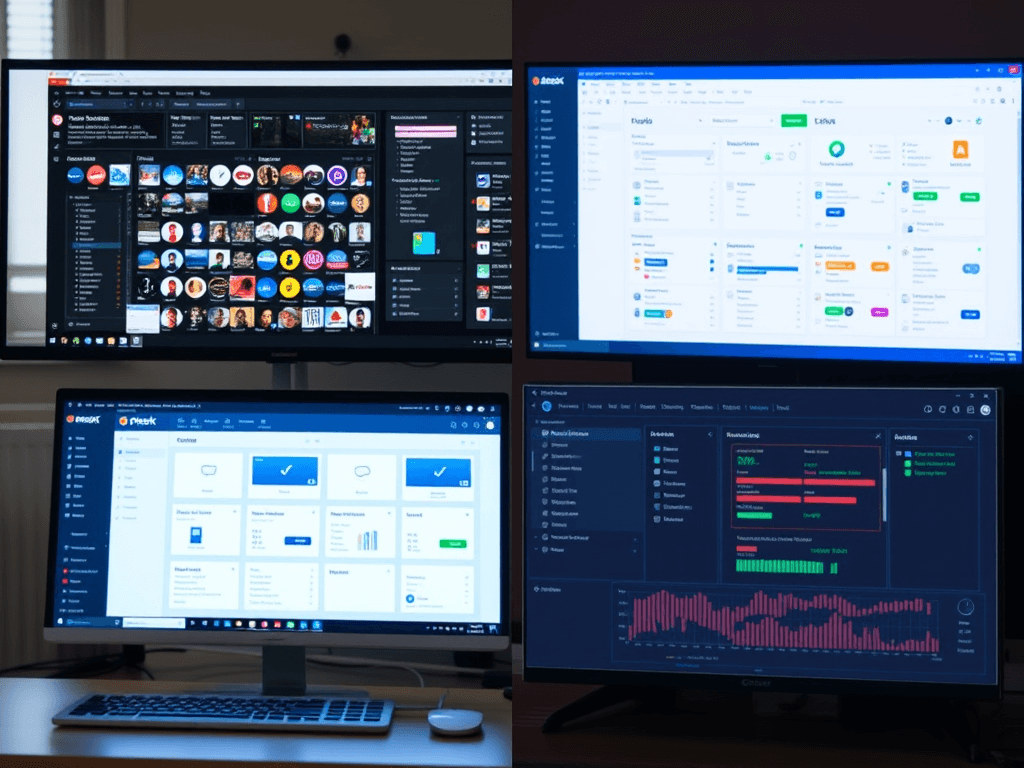
Comparing cPanel, Plesk, and Custom Control Panels
Managing hosting environments efficiently begins with choosing the right control panel. Among the most widely used are cPanel, Plesk, and Custom Control Panels, each catering to distinct server requirements and user preferences. This article explores their unique strengths, usability differences, and how to troubleshoot compatibility concerns, helping you make an informed choice for your web hosting management strategy.
Understanding Key Differences Between cPanel and Plesk

When it comes to commercial hosting solutions, cPanel and Plesk dominate the market. cPanel is known for its Linux-focused architecture, offering a reliable, intuitive interface tailored for web administrators who prefer simplicity and performance. It integrates seamlessly with WHM (Web Host Manager), providing fine-grained control over user accounts and server configuration. Plesk, on the other hand, supports both Windows and Linux, making it a flexible choice for businesses with cross-platform needs.
From a design standpoint, cPanel’s crowded but functional layout appeals to experienced system administrators, while Plesk’s cleaner, modular interface is ideal for newcomers and agencies requiring multi-site management. Plesk’s WordPress Toolkit, for example, allows users to manage multiple WordPress installations with just a few clicks, whereas cPanel relies on third-party tools like Softaculous for script management.
In terms of pros and cons, cPanel scores high for reliability, community support, and strong documentation, but it’s limited by its Linux-only environment. Plesk shines in versatility and usability, supporting Docker and Git integration, yet can be slightly more resource-intensive. Both tools encounter compatibility issues when certain PHP or Apache modules are outdated—troubleshooting these usually involves upgrading server packages or reconfiguring extensions to align with the control panel’s update version.
Exploring the Flexibility of Custom Control Panels

Custom control panels provide businesses with unparalleled flexibility, allowing developers to tailor the user experience, security protocols, and feature set. These panels are typically lightweight, offering scalability without the overhead of feature-heavy alternatives like cPanel or Plesk. Web hosting companies such as Archer IT Solutions sometimes deploy tailored control environments that integrate with their managed IT and hosting services, ensuring streamlined workflows across departments.
However, developing and maintaining a bespoke control panel requires technical expertise and ongoing updates for security compliance. Unlike commercial solutions with automatic patches, custom environments demand dedicated IT support—something Archer IT Solutions provides both onsite and remotely through their Managed IT Services and Onsite Service programs. This ensures client systems stay aligned with performance and security standards.
When troubleshooting compatibility issues in custom-built panels, the most common causes include API misconfigurations, database schema changes, or third-party plugin conflicts. These require careful debugging and often collaboration with the development team. For customers needing assistance, technical inquiries should be directed to support@archer-its.com or via the official Support Ticket Portal.
Selecting between cPanel, Plesk, or a Custom Control Panel ultimately depends on your project’s scale, platform requirements, and technical expertise. cPanel offers reliability for Linux-based systems, Plesk excels at cross-platform management, and custom solutions empower businesses seeking full control and branding flexibility. For expert advice or tailored solutions, consider consulting Archer IT Solutions—a trusted provider offering web hosting, design, and managed IT services designed to optimize your online infrastructure and digital performance.
[submit “Submit”]
1
[_site_title] “[your-subject]”
[_site_title]
[_site_admin_email]
From: [your-name] [your-email]
Subject: [your-subject]
Message Body:
[your-message]
—
This is a notification that a contact form was submitted on your website ([_site_title] [_site_url]).
Reply-To: [your-email]
1
1
[_site_title] “[your-subject]”
[_site_title]
[your-email]
Message Body:
[your-message]
—
This email is a receipt for your contact form submission on our website ([_site_title] [_site_url]) in which your email address was used. If that was not you, please ignore this message.
Reply-To: [_site_admin_email]
1
1
Thank you for your message. It has been sent.
There was an error trying to send your message. Please try again later.
One or more fields have an error. Please check and try again.
There was an error trying to send your message. Please try again later.
You must accept the terms and conditions before sending your message.
Please fill out this field.
This field has a too long input.
This field has a too short input.
There was an unknown error uploading the file.
You are not allowed to upload files of this type.
The uploaded file is too large.
There was an error uploading the file.
Please enter an email address.
Please enter a URL.
Please enter a telephone number.
Please enter a date in YYYY-MM-DD format.
This field has a too early date.
This field has a too late date.
Please enter a number.
This field has a too small number.
This field has a too large number.
The answer to the quiz is incorrect.

No responses yet