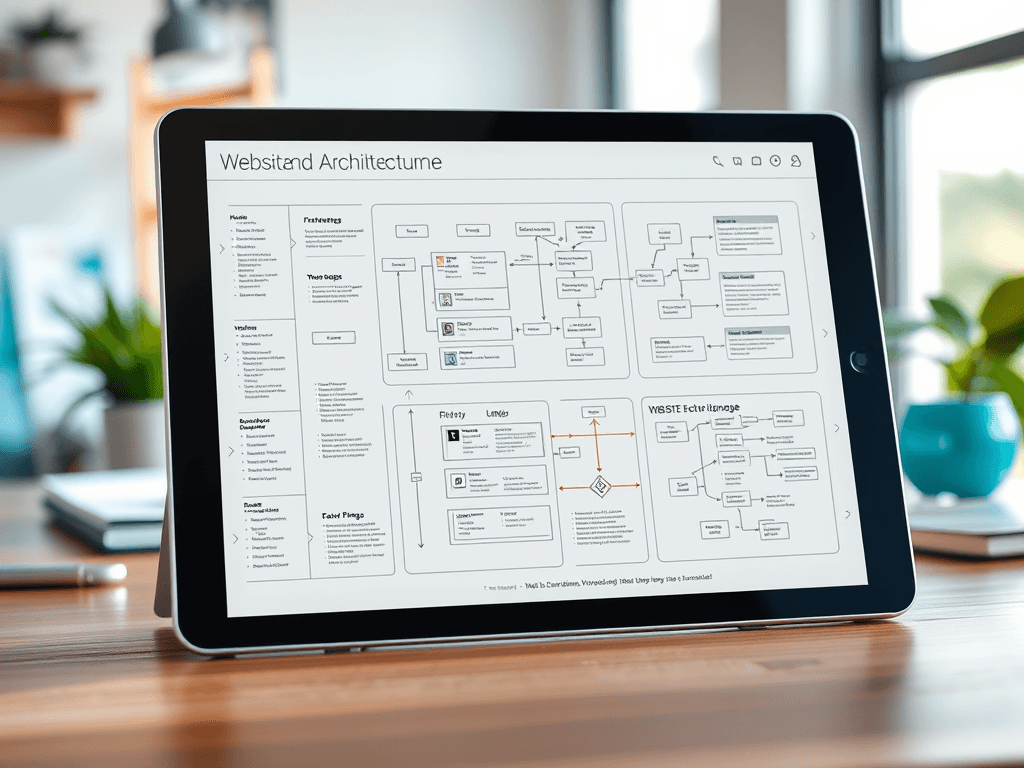
Defining Your New Website Architecture Scope
Planning a new website involves more than choosing colors and content—it’s about creating a logical structure that users can navigate intuitively. Defining the website architecture scope ensures you know exactly what will be built, how it connects, and where it fits into your brand’s digital ecosystem. Whether you already have a sitemap or need one developed, setting scope boundaries early can save hours of rework and confusion later.
Mapping the Structure and Flow of Your New Website
A well-mapped website structure acts as a blueprint for development. It shows how pages connect, what hierarchy they follow, and how users will move through them. This is often visualized through a sitemap or flow diagram. The mapping process defines user journeys—from homepage to final call-to-action—ensuring each page supports clear objectives like conversions, information discovery, or engagement. At Archer IT Solutions, our web design team (www.archer-its.com/web-design-services) guides clients through this structural planning to align design and development.
A strong site flow also improves accessibility and search optimization. When your architecture mimics user intent, search engines can crawl and rank key pages more effectively. However, overcomplicating the structure can confuse visitors and developers alike. Striking a balance is vital; aim for simplicity while ensuring no function is lost. Remember, users typically scan from top-left to bottom-right—use white space, consistent headings, and color signals to lead their eyes purposefully.
One common issue when setting structure is compatibility between new and existing platforms. For example, migrating from an older CMS can break internal links if not planned properly. Troubleshooting such issues early means maintaining proper redirects and avoiding downtime. Archer IT Solutions’ hosting and managed services (www.archer-its.com/web-hosting) support seamless launches and migrations with technical oversight. For assistance, clients can always submit a support ticket at www.archer-its.com/ticket/.
Defining Scope and Priorities for Site Architecture
Defining the scope sets boundaries on what your project will include. If you don’t yet have a completed site architecture, that discovery should be part of the project scope. This includes determining which features, templates, and content types need to be created. Documenting these decisions ensures all stakeholders understand responsibilities and timelines. Without clear boundaries, scope creep—when unplanned features slowly expand the workload—can easily derail delivery and budgets.
In prioritizing site architecture, begin with must-have elements: homepage, key service pages, contact areas, and support flows. For instance, Archer IT Solutions provides distinct paths for its various departments such as Managed IT Support (www.archer-its.com/managed-it-services), Onsite Services (www.archer-its.com/onsite-service), and general inquiries via info@archer-its.com. Structuring these pathways lets users locate resources faster while reducing navigation friction and service confusion.
Pros of defining scope include transparency, efficient workflow planning, and predictable costs. The primary con is the time investment required early on—especially when discovery sessions uncover unforeseen needs. That said, this initial effort avoids future troubleshooting and compatibility headaches. When questions arise about hosting configurations, billing, or remote support, dedicated addresses like support@archer-its.com and accounting@archer-its.com ensure each inquiry reaches the right department within 24 hours.
Your website architecture defines how users experience your brand online. By clearly mapping page flow and defining scope upfront, you set a foundation for intuitive navigation and maintainable design. Whether you’re starting from scratch or refining an existing framework, thoughtful planning and technical support can prevent costly adjustments after launch. For expert guidance, explore Archer IT Solutions’ comprehensive website and IT services to support every stage of your digital journey.
Starter Website
Use our AI bots to build a starter website for you.
$50 setup with hosting at $9.99 per month
[submit “Submit”]
1
[_site_title] “[your-subject]”
[_site_title]
[_site_admin_email]
From: [your-name] [your-email]
Subject: [your-subject]
Message Body:
[your-message]
—
This is a notification that a contact form was submitted on your website ([_site_title] [_site_url]).
Reply-To: [your-email]
1
1
[_site_title] “[your-subject]”
[_site_title]
[your-email]
Message Body:
[your-message]
—
This email is a receipt for your contact form submission on our website ([_site_title] [_site_url]) in which your email address was used. If that was not you, please ignore this message.
Reply-To: [_site_admin_email]
1
1
Thank you for your message. It has been sent.
There was an error trying to send your message. Please try again later.
One or more fields have an error. Please check and try again.
There was an error trying to send your message. Please try again later.
You must accept the terms and conditions before sending your message.
Please fill out this field.
This field has a too long input.
This field has a too short input.
There was an unknown error uploading the file.
You are not allowed to upload files of this type.
The uploaded file is too large.
There was an error uploading the file.
Please enter an email address.
Please enter a URL.
Please enter a telephone number.
Please enter a date in YYYY-MM-DD format.
This field has a too early date.
This field has a too late date.
Please enter a number.
This field has a too small number.
This field has a too large number.
The answer to the quiz is incorrect.

No responses yet