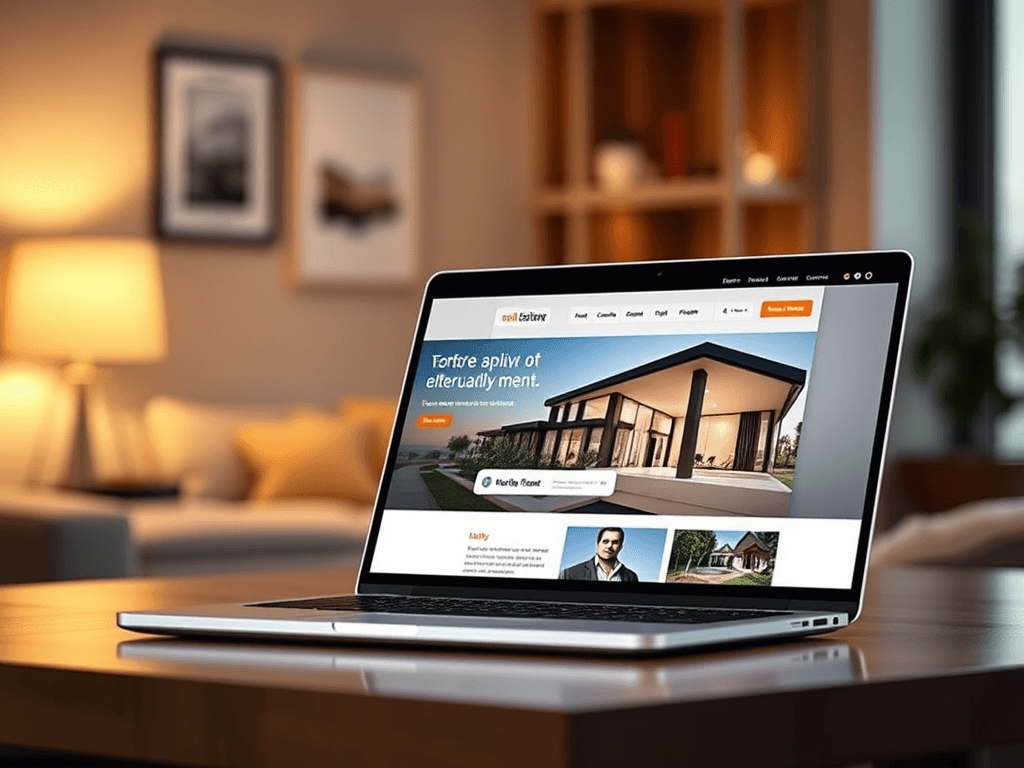
Design Tips for Real Estate Websites That Convert Clients
A great real estate website should do more than showcase property listings—it should build trust, guide users effortlessly, and prompt them to take action. For small real estate companies, your website is often the first impression a client has of your professionalism and service quality. By understanding how users visually navigate your site and applying proven design principles, you can turn casual visitors into loyal clients.
Understanding User Focus Points and Visual Hierarchy
Designing an effective real estate website requires understanding how users interact with on-screen elements. Eye-tracking studies show that many visitors follow an “F-pattern,” starting from the top left, scanning across, and then moving down the left side. This means key contact information, navigation, and calls-to-action should ideally appear within these focus zones. For instance, placing your main property search bar above the fold helps potential clients find listings immediately, improving engagement.
Visual hierarchy plays a central role in creating a natural path for users to follow. Large headlines, contrasting colors, and whitespace can subtly direct attention where it’s most valuable. Try using bold, high-quality property images combined with short, action-driven headers like “View Available Homes” or “Schedule a Viewing.” Remember: clutter confuses visitors, while simplicity encourages interaction.
Consistency across your pages also builds trust and clarity. Ensure fonts, button colors, and spacing remain uniform across property listings, blogs, and contact pages. A cohesive look and feel reduces cognitive load, allowing users to focus on what matters—exploring your listings and contacting your agency.
Summary: By focusing on user eye movement and creating a clear, visually guided layout, you can significantly enhance user experience and conversion potential. For more on visual design principles, visit Nielsen Norman Group.
Practical Design Strategies to Boost Client Conversions
Conversion optimization for real estate websites involves a mix of usability, emotional design, and technical functionality. Prominent calls-to-action (CTAs) like “Book a Free Consultation” or “Ask About This Property” can help guide visitors toward meaningful interactions. Place these CTAs near listing details or halfway through long pages, ensuring they remain visible on both desktop and mobile devices.
Another strong conversion strategy is integrating interactive tools—such as mortgage calculators or virtual tours. These add value and increase session duration. However, heavy plugins sometimes cause compatibility issues. To troubleshoot such cases, ensure all plugins are updated regularly and tested with your chosen website builder. If performance problems arise, consider reaching out to your web hosting or IT support service. For example, Archer IT Solutions offers reliable Web Hosting and prompt technical help via support@archer-its.com or their support ticket portal.
Pros: Improved engagement, higher conversion rates, and stronger brand credibility.
Cons: Requires regular technical maintenance, plugin monitoring, and design upkeep.
Summary: Conversion-driven web design blends effective CTAs, interactive tools, and technical reliability. For help maintaining plugin stability and user performance, visit WordPress.org Support.
Building a real estate website that converts clients starts with understanding how users see, think, and act online. By applying proven design principles—like effective focus points and user-friendly visual hierarchy—you’ll create an experience that feels intuitive and trustworthy. Now is the perfect time to reflect on your own website: Does it guide visitors naturally toward a call-to-action? Does it load quickly and function seamlessly across devices?
For technical guidance or support in improving your web design and functionality, reach out to Archer IT Solutions at www.archer-its.com/web-design-services. Their team specializes in helping small businesses and real estate agencies optimize their digital presence, ensuring a beautiful, performance-driven design that converts.
Support Emails:
- Support: support@archer-its.com
- Sales: sales@archer-its.com
- Accounting: accounting@archer-its.com
Take a moment to assess where your current design stands—and take the first step toward creating a client-converting real estate website today!
[submit “Submit”]
1
[_site_title] “[your-subject]”
[_site_title]
[_site_admin_email]
From: [your-name] [your-email]
Subject: [your-subject]
Message Body:
[your-message]
—
This is a notification that a contact form was submitted on your website ([_site_title] [_site_url]).
Reply-To: [your-email]
1
1
[_site_title] “[your-subject]”
[_site_title]
[your-email]
Message Body:
[your-message]
—
This email is a receipt for your contact form submission on our website ([_site_title] [_site_url]) in which your email address was used. If that was not you, please ignore this message.
Reply-To: [_site_admin_email]
1
1
Thank you for your message. It has been sent.
There was an error trying to send your message. Please try again later.
One or more fields have an error. Please check and try again.
There was an error trying to send your message. Please try again later.
You must accept the terms and conditions before sending your message.
Please fill out this field.
This field has a too long input.
This field has a too short input.
There was an unknown error uploading the file.
You are not allowed to upload files of this type.
The uploaded file is too large.
There was an error uploading the file.
Please enter an email address.
Please enter a URL.
Please enter a telephone number.
Please enter a date in YYYY-MM-DD format.
This field has a too early date.
This field has a too late date.
Please enter a number.
This field has a too small number.
This field has a too large number.
The answer to the quiz is incorrect.
Discover more from Archer IT Solutons
Subscribe to get the latest posts sent to your email.
Discover more from Archer IT Solutons
Subscribe to get the latest posts sent to your email.

No responses yet