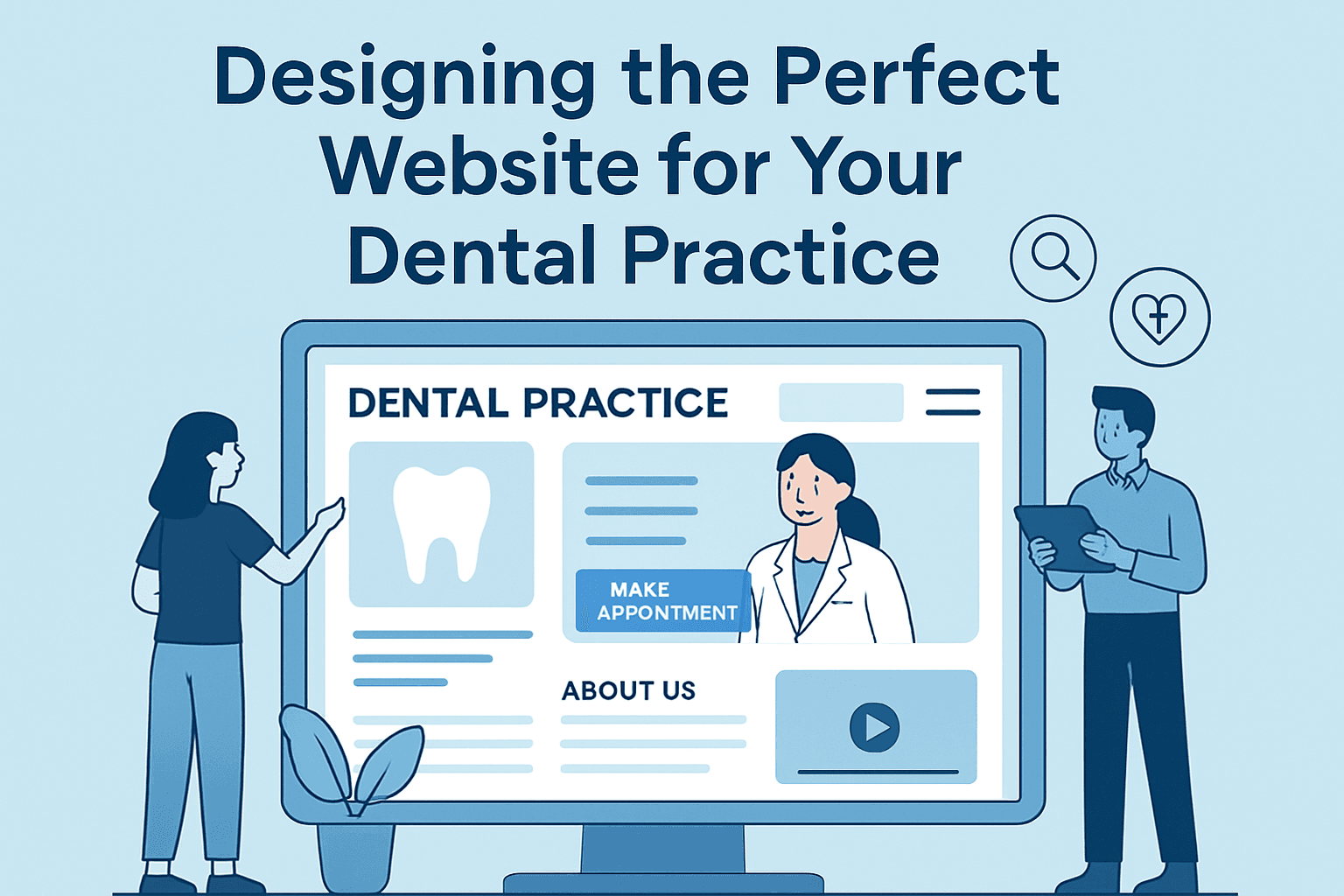
Designing the Perfect Website for Your Dental Practice

In today’s digital landscape, your dental practice’s website is often the first impression potential patients have of your business. The design, usability, and trustworthiness of your site can determine whether visitors make an appointment — or click away. Creating a visually appealing and technically sound website can dramatically increase patient engagement and loyalty.
Crafting a Dental Website That Builds Patient Trust
Building patient trust begins with clear communication and strong credibility indicators. Visitors should immediately sense professionalism and comfort upon landing on your homepage. Include your credentials, years in practice, and patient testimonials prominently. According to a study by Stanford Web Credibility Research, 75% of users judge a business’s credibility based on its web design. This makes your site’s layout and tone pivotal in establishing confidence.
Ensure your website includes essential pages that communicate value clearly — a welcoming homepage, detailed “About Us” section, treatment descriptions, and contact or booking options. Adding secure contact forms, SSL encryption, and clear privacy policy links enhances trust. Transparency in pricing or consultation fees can also reduce hesitation when booking appointments.
Key Takeaways:
- Highlight professional credentials and certifications.
- Prioritize clarity in service offerings.
- Ensure secure, privacy-compliant communication forms.
Visual trust factors such as color psychology also matter. Soft blues and whites communicate cleanliness and calmness — key emotional triggers for dental clients. Pairing these with real team photos fosters authenticity. To learn more about the psychology of web design, check out Nielsen Norman Group’s research.
Visual Design Tips to Enhance Dental Site Engagement
A dental website should guide users naturally toward important actions: booking appointments, reading reviews, and learning about treatments. Scanning patterns show users focus more on the top-left and central areas of the page, so place headlines and contact buttons strategically. Use consistent visual hierarchy — larger fonts for headings, moderate spacing, and concise paragraphs for effortless readability.
Interactive visuals significantly enhance engagement. Include before-and-after photos (with patient consent), short educational videos, and links to oral hygiene resources from reputable sources such as The American Dental Association. Avoid clutter — minimalistic design with clear whitespace ensures key elements stand out. Archer IT Solutions’ web design services can help ensure your layout and visual hierarchy align with these usability standards.
Pros and Cons of DIY Dental Web Design:
- ✅ Pros: Lower cost, creative control, faster updates.
- ⚠️ Cons: Possible security vulnerabilities, longer setup times, limited integrations.
If you encounter plugin issues when customizing themes, check for compatibility between your WordPress version and installed plugins. A common problem occurs when outdated page builders conflict with modern site frameworks. Always update plugins regularly and clear caches. If you’re unsure, Archer IT Solutions offers fast technical support through their ticket portal.
Troubleshooting Common Plugin Compatibility Issues
When incorporating specialized dental appointment or patient management plugins, conflicts can arise. Compatibility issues often show up as broken layouts or slow page loading. Start by deactivating all plugins and reactivating them one by one to pinpoint which causes the issue. Verify if the plugin supports your website’s PHP version and theme structure.
If your appointment booking tool doesn’t integrate smoothly, consider switching to reputable options such as Bookly or Amelia, both offering professional support. Test them in staging mode before applying updates to your live site.
For more advanced troubleshooting, contacting managed hosting and web support professionals can save time and frustration. Archer IT Solutions provides both onsite and remote IT support, web hosting, and managed services to maintain continuous uptime — ensuring that your dental website remains reliable and secure.
Designing the perfect website for your dental practice is more than just choosing attractive colors; it’s about creating a patient-centered experience that builds trust and encourages engagement. Reflect on your current site — does it guide visitors seamlessly toward booking an appointment? If not, now is the time to modernize your digital presence.
For hands-on assistance, explore Archer IT Solutions’ web design and hosting services. Their support team can help you overcome technical challenges, optimize performance, and keep your site running smoothly. Ready to elevate your dental practice online? Contact support@archer-its.com — most inquiries receive a response within 24 hours.
Summary:
Your dental website should be:
- Trust-focused with a clean, professional design.
- Visually optimized for engagement and easy navigation.
- Technically supported by experts for reliable performance.
Investing in a well-designed website isn’t just good marketing — it’s an essential tool for patient growth and retention.
[submit “Submit”]
1
[_site_title] “[your-subject]”
[_site_title]
[_site_admin_email]
From: [your-name] [your-email]
Subject: [your-subject]
Message Body:
[your-message]
—
This is a notification that a contact form was submitted on your website ([_site_title] [_site_url]).
Reply-To: [your-email]
1
1
[_site_title] “[your-subject]”
[_site_title]
[your-email]
Message Body:
[your-message]
—
This email is a receipt for your contact form submission on our website ([_site_title] [_site_url]) in which your email address was used. If that was not you, please ignore this message.
Reply-To: [_site_admin_email]
1
1
Thank you for your message. It has been sent.
There was an error trying to send your message. Please try again later.
One or more fields have an error. Please check and try again.
There was an error trying to send your message. Please try again later.
You must accept the terms and conditions before sending your message.
Please fill out this field.
This field has a too long input.
This field has a too short input.
There was an unknown error uploading the file.
You are not allowed to upload files of this type.
The uploaded file is too large.
There was an error uploading the file.
Please enter an email address.
Please enter a URL.
Please enter a telephone number.
Please enter a date in YYYY-MM-DD format.
This field has a too early date.
This field has a too late date.
Please enter a number.
This field has a too small number.
This field has a too large number.
The answer to the quiz is incorrect.
Discover more from Archer IT Solutons
Subscribe to get the latest posts sent to your email.
Discover more from Archer IT Solutons
Subscribe to get the latest posts sent to your email.

No responses yet