How Clear File Organization Improves Website Design
A clearly organized file structure is one of the most overlooked elements of web design. While many designers focus on layout, color schemes, and typography, the foundation begins with how files, folders, and elements are arranged in the back end. Well-structured directories do more than keep developers sane—they enhance collaboration, streamline updates, improve SEO performance, and influence how effectively users navigate your website’s front end.
Building Visual Flow Through Organized File Structures
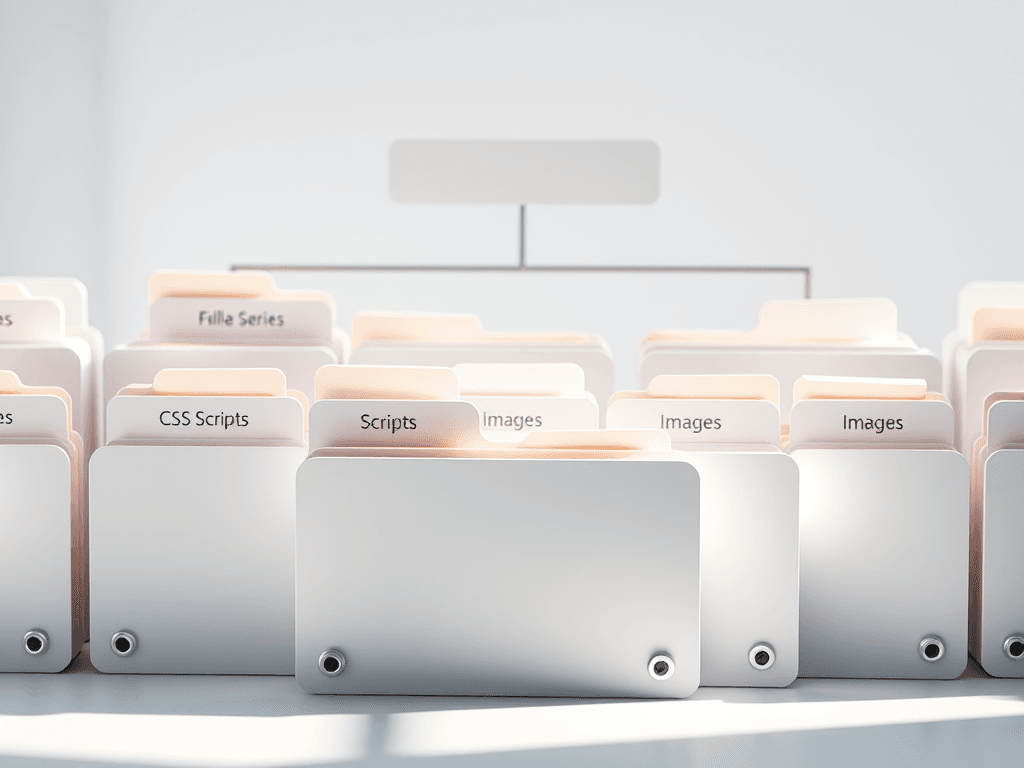
When files, images, and assets are organized logically, designers can maintain consistent visual flow throughout the site. Just as users visually scan a webpage from top-left to bottom-right, developers must organize files in a way that mirrors that intuitive pattern. Clean hierarchies—for example, keeping CSS in one folder, scripts in another, and images in optimized directories—make it easy to identify and adjust visual elements that influence user engagement. A clear file structure translates into a smooth user experience because every design element is precisely traced back to its source.
From an SEO perspective, an organized file system helps search engines crawl your site more efficiently. Descriptive filenames like header-logo.png or services-overview.html make it easier for bots (and humans) to understand the purpose of each file. This improves accessibility and indexability, ensuring your pages perform well in search results. As a result, your website appears more professional and trustworthy, both to visitors and to automated systems evaluating your content.
Pros:
- Easier collaboration among team members
- Faster site performance and updates
- Better SEO and crawl efficiency
Cons:
- Requires discipline to maintain consistency
- Can be time-consuming during initial setup
Visual Example:
For technical setup support or web design consultation, Archer IT Solutions can help you structure your website from the ground up—ensuring both front-end beauty and back-end efficiency.
Guiding User Attention with Clean Design Hierarchy
A well-organized site begins with understanding how users visually navigate information. Eye-tracking studies show that users focus first on the upper-left portion of a page, then move horizontally and vertically in predictable patterns. Designers who organize files with this scanning behavior in mind—such as maintaining consistent naming for header assets and grouping visual content logically—can create designs that lead users through a natural flow of interaction, improving engagement and reducing bounce rates.
For instance, a designer using a folder structure like assets/headers, assets/buttons, and assets/icons makes it easier to locate and style global elements that guide attention. The same principle applies to folder hierarchies for articles, images, and templates: if these are indexed correctly, adjustments can be made quickly without disturbing the overall design. This structured approach keeps user focus aligned with your business objectives.
If your team notices inconsistent layouts, missing visuals, or misaligned elements, it’s likely an indication of poor file organization. Troubleshooting Tip: audit your directory tree to ensure that CSS and JavaScript references point to the correct paths. Misplaced or duplicated folders can cause broken links and misrendered designs. For more assistance in identifying these inconsistencies, Archer IT Solutions’ Managed IT Support ensures ongoing optimization and prompt troubleshooting.
Related Reading:

Example Scenario:
A medium-sized business relies on a team of developers for constant updates. Without consistent file naming, one developer may name an image homebanner_final2.png while another uses banner-home.png. Over time, this causes conflicts, confusion, and excessive storage bloat. A clear file structure ensures everyone speaks the same “visual language,” improving collaboration and preventing loading errors.
CTA: Interested in setting up an optimized file structure or improving your current design system? Contact Archer IT Solutions today or reach their support staff via support@archer-its.com for tailored assistance.
A clearly organized file system is the backbone of a successful website. It doesn’t just make backend management easier—it shapes how your audience consumes visual content and navigates your pages. By using logical folder hierarchies, descriptive names, and optimized directories, designers can ensure consistency, speed, and clarity throughout every aspect of the digital experience. In short, clear file organization enhances form, function, and the flow of every modern website—making your design not only beautiful, but sustainable for the long term.
Starter Website
Use our AI bots to build a starter website for you.
$50 setup with hosting at $9.99 per month
[submit “Submit”]
1
[_site_title] “[your-subject]”
[_site_title]
[_site_admin_email]
From: [your-name] [your-email]
Subject: [your-subject]
Message Body:
[your-message]
—
This is a notification that a contact form was submitted on your website ([_site_title] [_site_url]).
Reply-To: [your-email]
1
1
[_site_title] “[your-subject]”
[_site_title]
[your-email]
Message Body:
[your-message]
—
This email is a receipt for your contact form submission on our website ([_site_title] [_site_url]) in which your email address was used. If that was not you, please ignore this message.
Reply-To: [_site_admin_email]
1
1
Thank you for your message. It has been sent.
There was an error trying to send your message. Please try again later.
One or more fields have an error. Please check and try again.
There was an error trying to send your message. Please try again later.
You must accept the terms and conditions before sending your message.
Please fill out this field.
This field has a too long input.
This field has a too short input.
There was an unknown error uploading the file.
You are not allowed to upload files of this type.
The uploaded file is too large.
There was an error uploading the file.
Please enter an email address.
Please enter a URL.
Please enter a telephone number.
Please enter a date in YYYY-MM-DD format.
This field has a too early date.
This field has a too late date.
Please enter a number.
This field has a too small number.
This field has a too large number.
The answer to the quiz is incorrect.

No responses yet