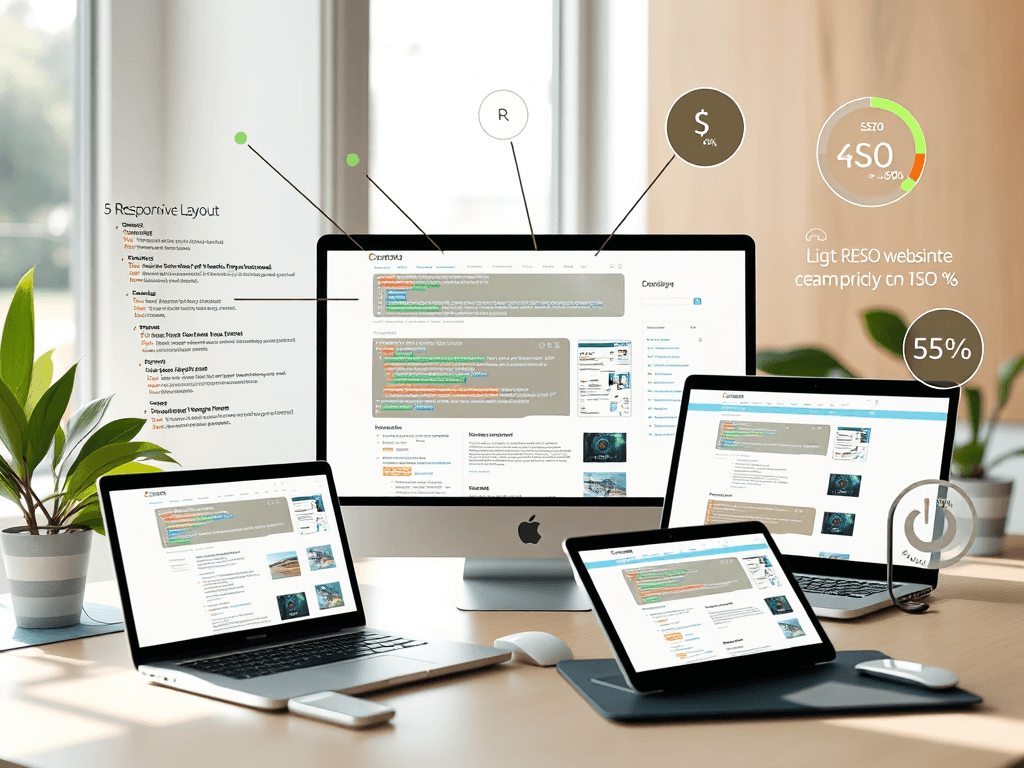
How Search Engines See and Rank Your Website Design
In today’s digital world, your website design isn’t just about aesthetics — it’s a crucial factor that directly affects how search engines perceive and rank your site. Understanding how your design elements influence SEO can mean the difference between page one and obscurity.
Understanding How Search Engines Evaluate Design
Search engines like Google don’t “see” your website the way visitors do. They scan your HTML structure, analyze metadata, and evaluate usability elements such as page load times, mobile responsiveness, and accessibility. When designing a website, every visual component should be optimized for both the user and the crawler. The cleaner the code, the easier it is for search engines to interpret your layout and structure.
Moreover, search engines analyze engagement signals — such as bounce rate, dwell time, and click-through rate — to determine user satisfaction. A site that’s easy to navigate with clear headings and visible calls to action generally keeps users longer, sending positive ranking signals. Studies from Moz and Ahrefs show that sites with structured design and well-organized content can see up to a 35% ranking improvement over poorly structured sites.
For effective design evaluation, it’s essential to implement visual hierarchy — guiding users’ eyes naturally from the most important to the least important information. This typically favors the top-left scanning pattern and uses visual cues like size, color, and whitespace to direct attention.
Key Takeaways:
- Use clean, well-structured HTML for better crawlability.
- Optimize for loading speed and mobile-friendliness.
- Design for both engagement and accessibility.
Summary: Search engines “read” your site from code to content, rewarding those with structure, speed, and clarity.
Key Elements That Influence Your Site’s Ranking
Your site’s visual and technical design go hand-in-hand when it comes to SEO. The leading ranking factors influenced by design include site speed, mobile UX, internal linking, and proper metadata use. A study by Google revealed that 53% of mobile users abandon a page that takes more than three seconds to load — and high bounce rates negatively impact ranking.
A strong design incorporates fast-loading images, responsive layouts, and clear typography. Each element should contribute to a consistent user experience. Visual clutter, on the other hand, confuses both visitors and search crawlers. Tools like Lighthouse and PageSpeed Insights can help identify and fix these issues effectively.
Pros:
- Enhances user engagement and trust.
- Improves crawl efficiency for SEO bots.
- Aligns with Google’s Core Web Vitals.
Cons:
- Overusing design animations may reduce loading speed.
- Complex scripts can conflict with SEO plugins.
- Poor color contrast may hurt accessibility scores.
Summary: A well-balanced design focuses on performance, accessibility, and clarity, ensuring both people and search engines see your brand positively.

Troubleshooting Common Plugin Compatibility Issues
Many site owners experience technical difficulties when using multiple design and SEO plugins. Conflicts between page builders and caching plugins can cause layout mismatches or data loss. To troubleshoot these issues:
- Test plugins in a staging environment before going live.
- Use compatible, lightweight themes optimized for performance.
- Reach out to your hosting provider for plugin support.
For rapid technical assistance, Archer IT Solutions offers professional web hosting and technical support. You can open a support ticket at www.archer-its.com/ticket/ or email support@archer-its.com. Most inquiries receive responses within 24 hours or less.
Summary: Proactive plugin management ensures stable design performance and consistent search engine visibility.
Your website is often your brand’s first impression — make sure it’s one search engines love as much as your visitors do. If your site’s design or ranking isn’t meeting expectations, it might be time for professional support. Explore Archer IT Solutions’ Web Design Services to refine performance, appearance, and SEO strength.
Reflect on how your website currently communicates with both users and crawlers. Is it sending the right signals? Start enhancing your site today — your search visibility depends on it.
[submit “Submit”]
1
[_site_title] “[your-subject]”
[_site_title]
[_site_admin_email]
From: [your-name] [your-email]
Subject: [your-subject]
Message Body:
[your-message]
—
This is a notification that a contact form was submitted on your website ([_site_title] [_site_url]).
Reply-To: [your-email]
1
1
[_site_title] “[your-subject]”
[_site_title]
[your-email]
Message Body:
[your-message]
—
This email is a receipt for your contact form submission on our website ([_site_title] [_site_url]) in which your email address was used. If that was not you, please ignore this message.
Reply-To: [_site_admin_email]
1
1
Thank you for your message. It has been sent.
There was an error trying to send your message. Please try again later.
One or more fields have an error. Please check and try again.
There was an error trying to send your message. Please try again later.
You must accept the terms and conditions before sending your message.
Please fill out this field.
This field has a too long input.
This field has a too short input.
There was an unknown error uploading the file.
You are not allowed to upload files of this type.
The uploaded file is too large.
There was an error uploading the file.
Please enter an email address.
Please enter a URL.
Please enter a telephone number.
Please enter a date in YYYY-MM-DD format.
This field has a too early date.
This field has a too late date.
Please enter a number.
This field has a too small number.
This field has a too large number.
The answer to the quiz is incorrect.

No responses yet