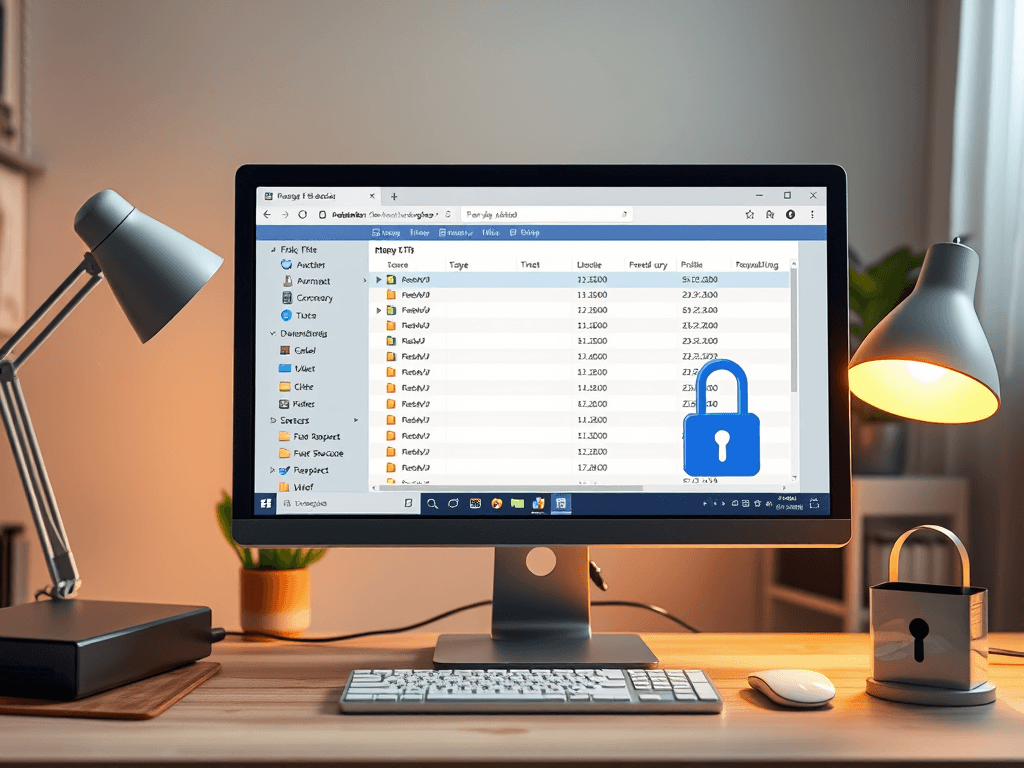
Introduction to FTP Backup
Backing up files is essential for data security, and File Transfer Protocol (FTP) is a reliable method for executing this task. Using FTP to back up files allows users to transfer data between local and remote servers easily. Below is a comprehensive guide on how to utilize FTP for backups.
Why Use FTP for Backup?
Key Benefits:
- Accessibility: Easily access your files from any location.
- Automation: Schedule backups to run automatically.
- Versatility: Compatible with various operating systems.
- Bandwidth Efficiency: Transfers can be paused and resumed.
Statistical Insight:
- According to a recent survey, 60% of small businesses have experienced data loss due to inadequate backups.
Getting Started with FTP
Step-by-Step Process:
- Choose an FTP Client: Download and install a reliable FTP client (e.g., FileZilla, WinSCP).
- Connect to Your Server:
- Enter the server address, username, and password.
- Port number is typically
21for FTP.
- Select Files:
- Choose files or directories you wish to back up.
- Initiate Transfer:
- Drag and drop files to your local storage or click ‘Upload’ to send files to the server.
Troubleshooting Common Issues:
- Connection Errors: Check firewall settings, FTP login credentials, and server status.
- Transfer Failures: Verify internet connection and available storage space.
Pros and Cons of Using FTP for Backup
Pros:
- User-friendly Interface: Easy navigation for users.
- Cost-effective: Generally free or low-cost FTP clients available.
- Large File Transfers: Handle large batches of data effectively.
Cons:
- Security Risks: Data can be intercepted if not encrypted.
- Limited Automation: Some FTP clients lack advanced scheduling features.
Engaging with the Content
To further your understanding of FTP and file backup techniques, consider visiting the following non-sales websites:
Conclusion
Using FTP for file backup presents an effective solution for individuals and businesses looking to secure their data. Reflect on your own backup strategies—are they sufficient? Engaging with the right tools and practices can significantly enhance your data security.
To explore more or for any support related to hosting, please reach out to Archer IT Solutions:
- Email Support: support@archer-its.com
- Support Ticket: Submit a Ticket
Ensure your files are protected and accessible by using FTP as part of your backup strategy!
[submit “Submit”]
1
[_site_title] “[your-subject]”
[_site_title]
[_site_admin_email]
From: [your-name] [your-email]
Subject: [your-subject]
Message Body:
[your-message]
—
This is a notification that a contact form was submitted on your website ([_site_title] [_site_url]).
Reply-To: [your-email]
1
1
[_site_title] “[your-subject]”
[_site_title]
[your-email]
Message Body:
[your-message]
—
This email is a receipt for your contact form submission on our website ([_site_title] [_site_url]) in which your email address was used. If that was not you, please ignore this message.
Reply-To: [_site_admin_email]
1
1
Thank you for your message. It has been sent.
There was an error trying to send your message. Please try again later.
One or more fields have an error. Please check and try again.
There was an error trying to send your message. Please try again later.
You must accept the terms and conditions before sending your message.
Please fill out this field.
This field has a too long input.
This field has a too short input.
There was an unknown error uploading the file.
You are not allowed to upload files of this type.
The uploaded file is too large.
There was an error uploading the file.
Please enter an email address.
Please enter a URL.
Please enter a telephone number.
Please enter a date in YYYY-MM-DD format.
This field has a too early date.
This field has a too late date.
Please enter a number.
This field has a too small number.
This field has a too large number.
The answer to the quiz is incorrect.
Discover more from Archer IT Solutons
Subscribe to get the latest posts sent to your email.
Discover more from Archer IT Solutons
Subscribe to get the latest posts sent to your email.

No responses yet