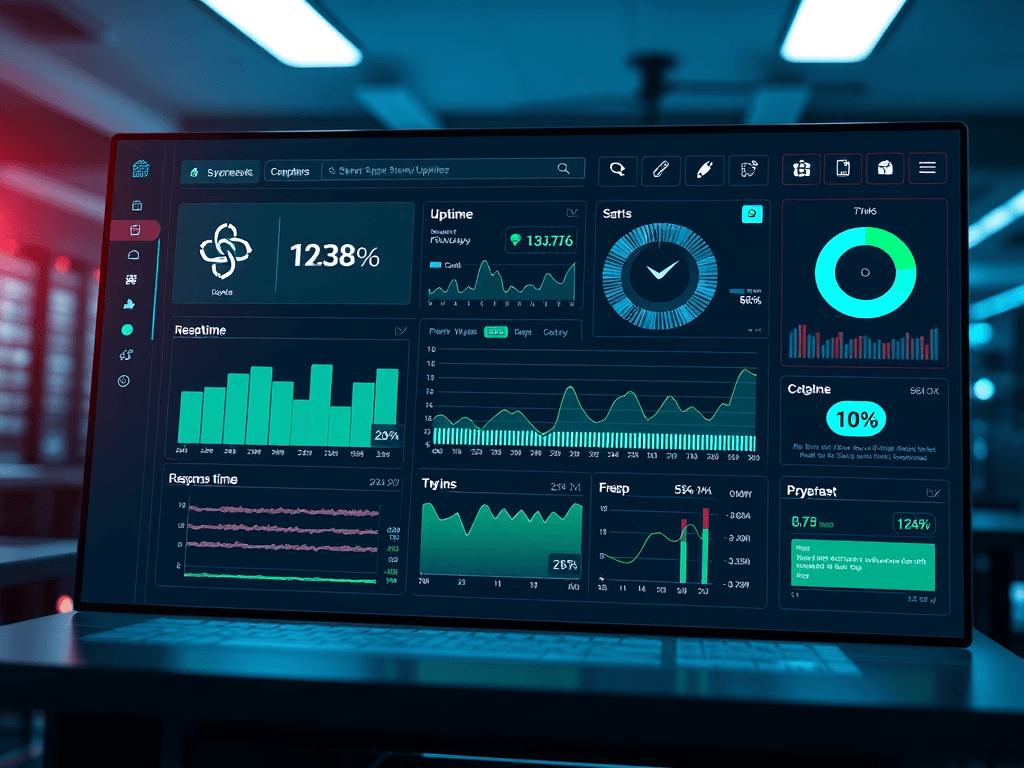
Modern businesses depend heavily on reliable server infrastructure, whether hosting websites, storing data, or delivering applications. However, ensuring your server runs efficiently and securely around the clock isn’t optional—it’s critical. Monitoring uptime and security can feel overwhelming with countless metrics and tools available, but understanding what truly matters can simplify the task. This article explores what metrics to prioritize, which tools can streamline your monitoring process, and how to handle common issues like plugin conflicts—all while keeping server performance steady and secure.
Tracking the Right Metrics to Boost Server Reliability
Monitoring server health starts with identifying the right metrics. Uptime percentage, response time, and error rates are essential indicators of reliability. Uptime percentage reflects how often your server is accessible to users, and most businesses aim for at least 99.9% uptime—meaning less than 9 hours of downtime annually. Response time gives insight into how quickly your server processes requests, and consistent spikes might indicate resource bottlenecks or inefficient code. Also, tracking error rates allows early detection of application-level issues before they impact users.
Going deeper, CPU, memory, and disk utilization are critical performance metrics often missed by newcomers. High CPU use may suggest a lack of processing power or background tasks hogging resources, while low disk space causes stability problems. Using dashboards like Prometheus + Grafana lets you visualize these trends in real-time, turning raw data into actionable insights. These tools support customizable alerts—so when thresholds are crossed, you’ll know instantly via email, chat, or apps like Slack.
Pros and Cons of Continuous Monitoring:
- Pros: Real-time awareness, early detection of performance issues, improves SLA compliance
- Cons: Requires configuration and potential overhead from constant data collection
Summary: The key to boosting reliability is consistent, metric-based monitoring that offers both real-time insight and historical performance trends.
Essential Tools and Real-Life Cases for Secure Uptime
Security and uptime go hand-in-hand—strong monitoring doesn’t end with performance metrics. Security monitoring tools like OSSEC, Snort, and Fail2Ban protect against intrusion attempts, unauthorized access, and suspicious traffic patterns. Many companies combine these with centralized logging solutions like Graylog or ELK Stack (Elasticsearch, Logstash, Kibana) to detect unusual activities. Pairing them with vulnerability scanners such as OpenVAS ensures you’re covered from both infrastructure and application perspectives. A 2023 Statista report revealed that 60% of businesses experienced downtime due to unpatched vulnerabilities—proof that continuous monitoring is more than just preventive; it’s essential.
A real-world case includes a small e-commerce company hosting through Archer IT Solutions, which enhanced their uptime by combining proactive monitoring from UptimeRobot and Sucuri SiteCheck for security. With 24/7 onsite or remote support from Archer IT Solutions, they reduced downtime incidents by nearly 40% in six months. For users needing technical assistance, quick help is available through Archer’s Support Ticket Portal or by contacting support@archer-its.com—typically with a response in under 24 hours.
Troubleshooting Plugin Compatibility Issues: Many site owners find that monitoring plugins sometimes conflict with caching or firewall extensions. If your uptime monitor plugin causes timeouts or false alerts, try disabling conflicting modules one at a time. Clear caches, check plugin logs, or test using lightweight alternatives like StatusCake or Pingdom. Always back up your configuration before installing updates.
Summary: The combination of diverse monitoring tools, vulnerability management, and expert assistance ensures that uptime and security are maintained with minimal disruption.
Additional Reliable Resources and Learning Links:
- Prometheus Monitoring Documentation
- Grafana Labs Tutorials
- UptimeRobot Official Site
- Fail2Ban GitHub Repository
- OpenVAS Cybersecurity Scanning
Maintaining optimal server uptime and airtight security requires a thoughtful combination of metrics, tools, and proactive response. Whether you use open-source systems or managed services like Archer IT Solutions, success depends on how consistently you interpret and act on your monitoring data. Take time to reflect on your business’s specific needs—are you prioritizing speed, redundancy, or strong cybersecurity posture?
With a structured approach, you can transform monitoring from a reactive task into a strategic advantage. Keep experimenting, stay informed, and when in doubt, reach out to professionals like Archer IT Solutions for tailored advice and dependable guidance on your web hosting and technical support needs.
[submit “Submit”]
1
[_site_title] “[your-subject]”
[_site_title]
[_site_admin_email]
From: [your-name] [your-email]
Subject: [your-subject]
Message Body:
[your-message]
—
This is a notification that a contact form was submitted on your website ([_site_title] [_site_url]).
Reply-To: [your-email]
1
1
[_site_title] “[your-subject]”
[_site_title]
[your-email]
Message Body:
[your-message]
—
This email is a receipt for your contact form submission on our website ([_site_title] [_site_url]) in which your email address was used. If that was not you, please ignore this message.
Reply-To: [_site_admin_email]
1
1
Thank you for your message. It has been sent.
There was an error trying to send your message. Please try again later.
One or more fields have an error. Please check and try again.
There was an error trying to send your message. Please try again later.
You must accept the terms and conditions before sending your message.
Please fill out this field.
This field has a too long input.
This field has a too short input.
There was an unknown error uploading the file.
You are not allowed to upload files of this type.
The uploaded file is too large.
There was an error uploading the file.
Please enter an email address.
Please enter a URL.
Please enter a telephone number.
Please enter a date in YYYY-MM-DD format.
This field has a too early date.
This field has a too late date.
Please enter a number.
This field has a too small number.
This field has a too large number.
The answer to the quiz is incorrect.

One response
Really enjoyed reading this. Keep up the excellent work!