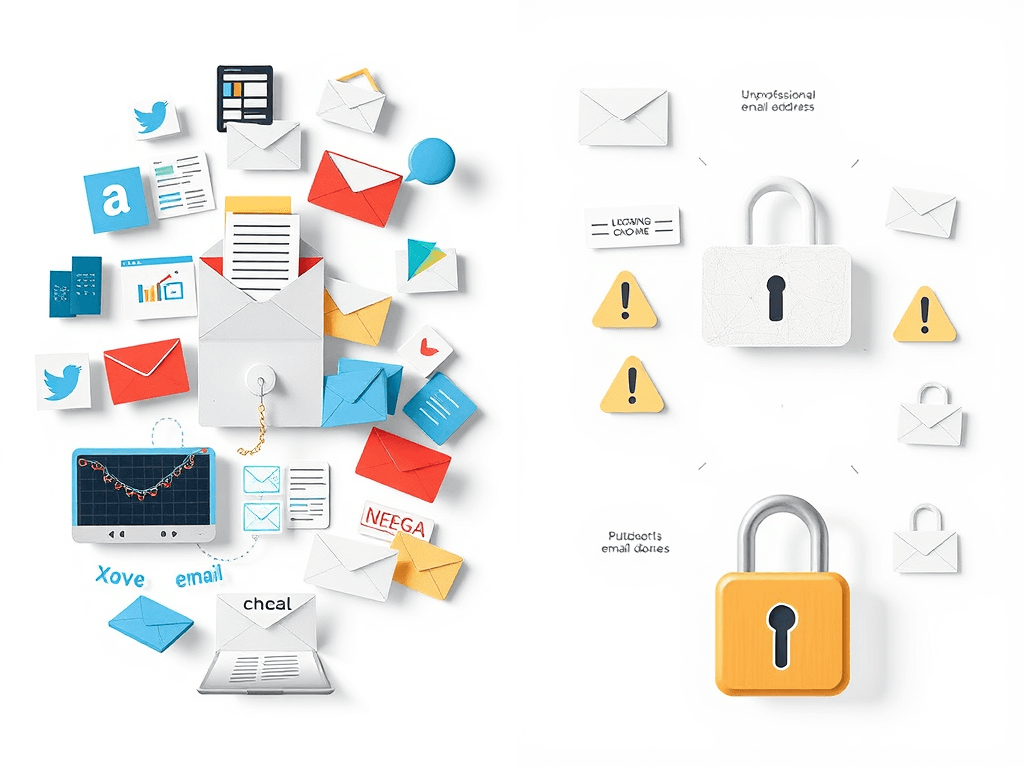
The Pros and Cons of Choosing a Free Email Account
Email remains one of the most vital tools for both personal and professional communication. While paid email hosting offers reliability and advanced security, free email accounts are the most commonly chosen option by individuals and small businesses alike. This article explores the key advantages and potential drawbacks of choosing a free email account—and provides troubleshooting tips and insights to help you decide if it fits your
Key Advantages of Using a Free Email Account
Free email accounts—like Gmail, Outlook, or Yahoo Mail—are attractive because they come at no cost. For individuals, startups, and small businesses with tight budgets, they provide an accessible way to establish an online presence quickly. These services often include generous storage, accessibility from multiple devices, and integration with other productivity tools such as calendars, cloud storage, and chat apps.
Another benefit is the ease of setup. You can create an account in minutes without any technical knowledge. This makes it perfect for those who want to start communicating or collaborating online instantly. Many free email providers also include spam filters, updates, and mobile app support—ensuring convenience and efficiency without additional effort.
Lastly, free email accounts often benefit from large-scale infrastructure and uptime provided by major IT corporations. This means that even though you’re not paying for the service, you still get access to fast servers, reliable service, and solid baseline security. For example, Gmail’s integration with Google Workspace tools makes it an ideal option for freelancers or small teams that rely on real-time collaboration.
Drawbacks and Security Risks You Should Consider
Despite its convenience, using a free email account does come with noticeable trade-offs. Privacy concerns top the list—most free services rely on advertising for revenue, which means your activity and emails may be scanned to deliver targeted ads. Additionally, you have limited control over data ownership, which may lead to issues if you ever lose access to your account.
Another drawback is limited customization and professionalism. For business communication, using an address like yourname@gmail.com may appear less credible than a branded domain (e.g., info@yourbusiness.com). Free accounts also come with storage caps and dependency on third-party infrastructure—meaning you rely entirely on the service provider’s performance and policies.
Security vulnerabilities can also pose challenges. Free email users are common targets for phishing attempts and hacking due to weaker authentication practices. If you experience login issues or data breaches, your options for troubleshooting may be limited. Thankfully, providers like Archer IT Solutions offer professional Managed IT Support to help secure and migrate to more reliable business-grade email systems. For direct support, you can reach them at support@archer-its.com.
Troubleshooting Tips for Free Email Users
If your free email account is experiencing issues like login errors, spam overload, or syncing difficulties, start by checking your provider’s help center. Platforms like Google Account Recovery or Microsoft Support offer step-by-step guides for password resets, security settings, and recovery options. Always enable two-factor authentication (2FA) to add another layer of protection.
Regularly managing your inbox can also improve performance—delete unnecessary emails and clear spam to prevent storage overload. If you depend heavily on your email for business purposes, consider backing up essential messages through a secondary system or local archive. Tools like Thunderbird or MailStore Home make this easy.
If your email issues persist, it might be time to move to a secure and reliable hosting provider. Archer IT Solutions offers Web Hosting Services and IT Support to ensure professional-grade uptime, enhanced security, and full data control—key benefits missing in most free email services.
Free email accounts are excellent for convenience, cost-effectiveness, and accessibility—but they carry notable limitations when it comes to privacy, professional identity, and security. For personal use, they remain perfectly fine, but businesses should carefully consider the potential risks and switch to a managed solution when growth demands it.
If you’re looking to explore more secure and professional email hosting options, reach out to Archer IT Solutions today, or open a support ticket via www.archer-its.com/ticket/. Their expert team can guide you in upgrading to a solution that keeps your communications safe, professional, and easily manageable.
External Resources
- Google Account Security Tips – Learn how to secure your Google account effectively.
- National Cyber Security Centre: Phishing Guidance – Official UK advice on preventing phishing.
- Mozilla Thunderbird – Free tool for backing up and managing emails.
Call to Action:
Want expert help setting up professional, secure email hosting?
📧 Contact sales@archer-its.com or visit Archer IT Solutions Web Hosting.
[submit “Submit”]
1
[_site_title] “[your-subject]”
[_site_title]
[_site_admin_email]
From: [your-name] [your-email]
Subject: [your-subject]
Message Body:
[your-message]
—
This is a notification that a contact form was submitted on your website ([_site_title] [_site_url]).
Reply-To: [your-email]
1
1
[_site_title] “[your-subject]”
[_site_title]
[your-email]
Message Body:
[your-message]
—
This email is a receipt for your contact form submission on our website ([_site_title] [_site_url]) in which your email address was used. If that was not you, please ignore this message.
Reply-To: [_site_admin_email]
1
1
Thank you for your message. It has been sent.
There was an error trying to send your message. Please try again later.
One or more fields have an error. Please check and try again.
There was an error trying to send your message. Please try again later.
You must accept the terms and conditions before sending your message.
Please fill out this field.
This field has a too long input.
This field has a too short input.
There was an unknown error uploading the file.
You are not allowed to upload files of this type.
The uploaded file is too large.
There was an error uploading the file.
Please enter an email address.
Please enter a URL.
Please enter a telephone number.
Please enter a date in YYYY-MM-DD format.
This field has a too early date.
This field has a too late date.
Please enter a number.
This field has a too small number.
This field has a too large number.
The answer to the quiz is incorrect.

No responses yet