Understanding Web Hosting Provider Support Options
When choosing a web hosting provider, many people focus solely on speed, uptime, and pricing. However, the quality of technical support can significantly influence your website’s reliability and your overall peace of mind. Understanding what level of support your hosting provider offers can prevent downtime, improve performance, and ensure you get help exactly when you need it. This guide explores the essential aspects of hosting support, the common hosting issues users face, and how Archer IT Solutions positions itself as a trusted partner for your IT and web hosting needs.
Exploring the Different Levels of Hosting Support
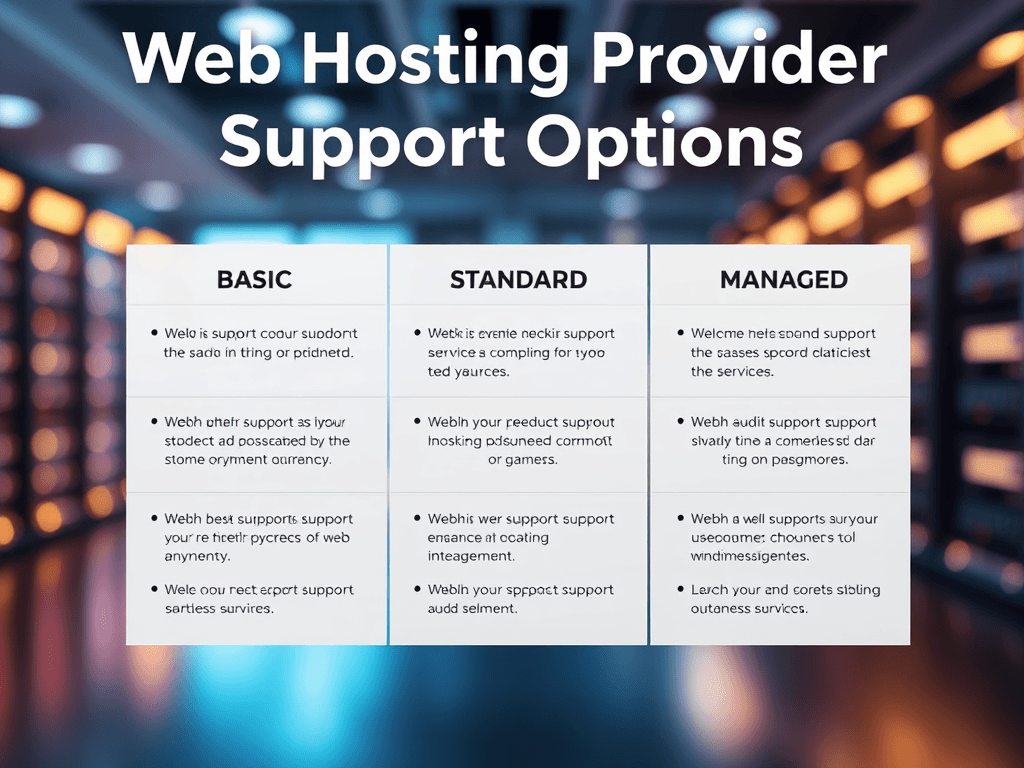
When evaluating a hosting service, support options are often categorized by tiers or levels. Basic support typically includes email assistance and ticket-based responses, ideal for customers comfortable managing configurations themselves. In contrast, advanced or managed support gives users more comprehensive help, including proactive monitoring, security updates, and hands-on troubleshooting. Providers like Archer IT Solutions Web Hosting offer varying levels of assistance to meet customers’ technical skills and business demands.
Each level of support has its pros and cons. Basic packages are affordable and allow more control, while managed ones save time and reduce the risk of critical errors. If your business relies heavily on online visibility, opting for a host with 24/7 managed support could be worth the investment. Archer IT Solutions, for instance, responds to emails within 24 hours and provides personalized help through their Support Ticket Center, ensuring issues are resolved efficiently.
A crucial factor to weigh is the communication channel variety—live chat, phone help, remote troubleshooting, and knowledgebases. A provider that offers multi-channel assistance demonstrates commitment to customer satisfaction. Archer IT Solutions provides not only online hosting support but also onsite and remote IT services and managed IT support, ensuring that clients can get technical help however they prefer.
(Suggested Image: A comparison chart showing different hosting support tiers — basic, standard, and managed — highlighting features in each.)
Troubleshooting Common Web Hosting Issues
Even with strong hosting support, users may encounter technical problems such as slow website performance, email configuration errors, or database connection failures. Having a hosting provider that helps identify root causes quickly can save valuable business time. Archer IT Solutions simplifies this with remote support, available through support@archer-its.com, allowing technical specialists to resolve configuration and compatibility issues efficiently.
Compatibility issues often arise when users install outdated CMS versions or plugins. A reliable support team will assist in checking server compatibility, updating PHP versions, or adjusting DNS records without causing disruptions. Proactive troubleshooting helps ensure your hosting environment stays aligned with evolving software requirements—something Archer IT Solutions emphasizes through its thorough customer guidance and step-by-step resolution process.
Before reaching out for help, some users prefer self-help tools. A good provider will offer knowledgebases, FAQs, or community forums with simple instructions for diagnosing issues. This combination of self-service and expert intervention creates an optimal support environment. Whether through web design services or hosting performance checks, Archer IT Solutions ensures users have transparent access to both resources and representatives for quick assistance.
(Suggested Image: A visual guide highlighting common web hosting issues and quick troubleshooting steps, such as checking DNS, database, or plugin updates.)
In today’s fast-moving digital environment, support is the backbone of any web hosting service. The best providers don’t just host your site—they empower you to run it with confidence. By understanding the different hosting support levels and knowing how to troubleshoot common issues, you can make informed decisions about your provider. Archer IT Solutions stands out by offering both the human touch and technical precision, ensuring your website and IT infrastructure stay efficient, secure, and supported every step of the way. For help or inquiries, visit www.archer-its.com/ticket or email the appropriate support department for a prompt response within 24 hours.
(Suggested Image: Archer IT Solutions support team assisting a client remotely, symbolizing responsive, reliable hosting assistance.)
[submit “Submit”]
1
[_site_title] “[your-subject]”
[_site_title]
[_site_admin_email]
From: [your-name] [your-email]
Subject: [your-subject]
Message Body:
[your-message]
—
This is a notification that a contact form was submitted on your website ([_site_title] [_site_url]).
Reply-To: [your-email]
1
1
[_site_title] “[your-subject]”
[_site_title]
[your-email]
Message Body:
[your-message]
—
This email is a receipt for your contact form submission on our website ([_site_title] [_site_url]) in which your email address was used. If that was not you, please ignore this message.
Reply-To: [_site_admin_email]
1
1
Thank you for your message. It has been sent.
There was an error trying to send your message. Please try again later.
One or more fields have an error. Please check and try again.
There was an error trying to send your message. Please try again later.
You must accept the terms and conditions before sending your message.
Please fill out this field.
This field has a too long input.
This field has a too short input.
There was an unknown error uploading the file.
You are not allowed to upload files of this type.
The uploaded file is too large.
There was an error uploading the file.
Please enter an email address.
Please enter a URL.
Please enter a telephone number.
Please enter a date in YYYY-MM-DD format.
This field has a too early date.
This field has a too late date.
Please enter a number.
This field has a too small number.
This field has a too large number.
The answer to the quiz is incorrect.

No responses yet