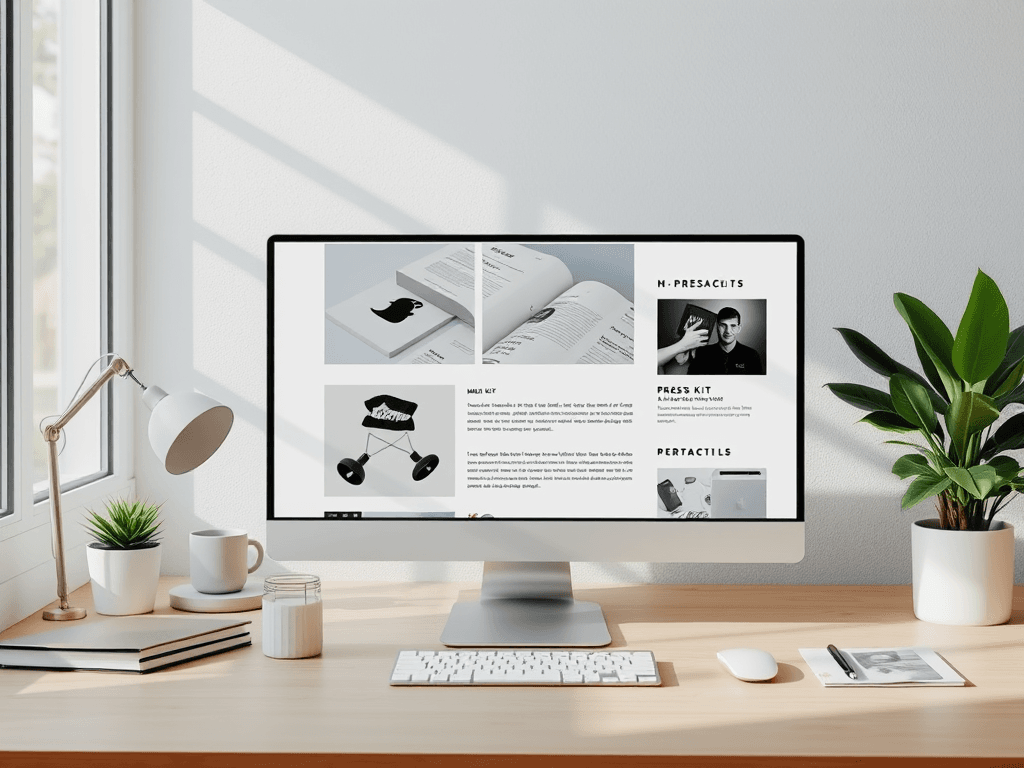
Why Your Business Website Needs a Press Page and How to Build One
A well-structured press page can be the secret ingredient that elevates your business website from functional to authoritative. Whether you run a local shop or a growing digital brand, offering media, clients, and partners a professional hub of verified information increases both trust and exposure. This article explains why every business website should have a press page, the main advantages of creating one, and how to effectively manage it for performance and compatibility.
Why Every Business Website Needs a Press Page
A press page is more than just a section with logos and articles—it’s a storytelling space where your brand speaks with authority. Journalists and potential clients often check this area first to verify facts or download official media assets. According to a Cision Global State of the Media Report (2023), over 70% of journalists say it’s easier to cover a brand that provides accessible press materials online. This alone makes the press page a valuable resource for credibility.
Having an organized press area signals transparency and professionalism, helping your business to appear trustworthy and media-ready. It provides journalists with easy access to past press releases, brand kits, and leadership bios, preventing them from seeking outdated or incorrect information elsewhere. For small businesses, this can result in higher visibility and improved reputation management.
Pros:
- Builds brand credibility and trust.
- Simplifies journalist access to official information.
- Helps boost SEO via backlinks from media coverage.
Cons: - Requires regular updates and content accuracy checks.
- Can expose outdated materials if not managed properly.
- Needs design alignment with the main website to maintain consistency.
Summary: A press page can transform casual visitors into media advocates by providing a central spot for verified brand materials—an essential tool for modern digital presence.
Key Benefits and Practical Tips for Setting One Up
Establishing a press page can bring multiple tangible benefits. It offers search engines fresh, high-quality content and can increase referral traffic from publications linking back to your website. According to HubSpot Research, businesses that maintain a regularly updated media or news section generate 55% more visitors. Additionally, centralized contact options like an IT support email or direct message links encourage engagement and external communication.
When setting up your press page, start with essential sections such as media kits, company overviews, high-resolution logos, executive bios, and downloadable fact sheets. Organize this content visually—place contact details like support@archer-its.com or your company’s media liaison clearly at the top left for easy scanning. For hosting or technical users, Archer IT Solutions offers tailored support via www.archer-its.com/web-hosting and managed IT services at www.archer-its.com/managed-it-services.
Common Issues and Troubleshooting Plugin Conflicts
If you use CMS plugins for press release management (like Yoast for press SEO or Press Permit for contributor access), test compatibility within a staging site before deploying live updates. Incompatible plugins can break layout or cause media files not to load properly. Always keep both the CMS core and plugins updated, and if you encounter hosting-related functionality issues, reach Archer IT Solutions via their support ticket page for prompt troubleshooting (responses typically within 24 hours).
Summary: The key to a successful press page lies in clarity, structure, and consistent updates—combining good design with technical diligence creates a seamless media experience.
A well-crafted press page quietly communicates professionalism and readiness, making it easier for partners and journalists to tell your story accurately. Whether you’re enhancing credibility or chasing SEO growth, having a dedicated media space is a strategic investment in visibility.
Before you decide, ask yourself: Does my business make it easy for outsiders to learn, write, or share about us? If not, it may be time to build your own press page. For technical support in web design or hosting integration, reach out to Archer IT Solutions or contact their team via support@archer-its.com for expert help.
[submit “Submit”]
1
[_site_title] “[your-subject]”
[_site_title]
[_site_admin_email]
From: [your-name] [your-email]
Subject: [your-subject]
Message Body:
[your-message]
—
This is a notification that a contact form was submitted on your website ([_site_title] [_site_url]).
Reply-To: [your-email]
1
1
[_site_title] “[your-subject]”
[_site_title]
[your-email]
Message Body:
[your-message]
—
This email is a receipt for your contact form submission on our website ([_site_title] [_site_url]) in which your email address was used. If that was not you, please ignore this message.
Reply-To: [_site_admin_email]
1
1
Thank you for your message. It has been sent.
There was an error trying to send your message. Please try again later.
One or more fields have an error. Please check and try again.
There was an error trying to send your message. Please try again later.
You must accept the terms and conditions before sending your message.
Please fill out this field.
This field has a too long input.
This field has a too short input.
There was an unknown error uploading the file.
You are not allowed to upload files of this type.
The uploaded file is too large.
There was an error uploading the file.
Please enter an email address.
Please enter a URL.
Please enter a telephone number.
Please enter a date in YYYY-MM-DD format.
This field has a too early date.
This field has a too late date.
Please enter a number.
This field has a too small number.
This field has a too large number.
The answer to the quiz is incorrect.

No responses yet