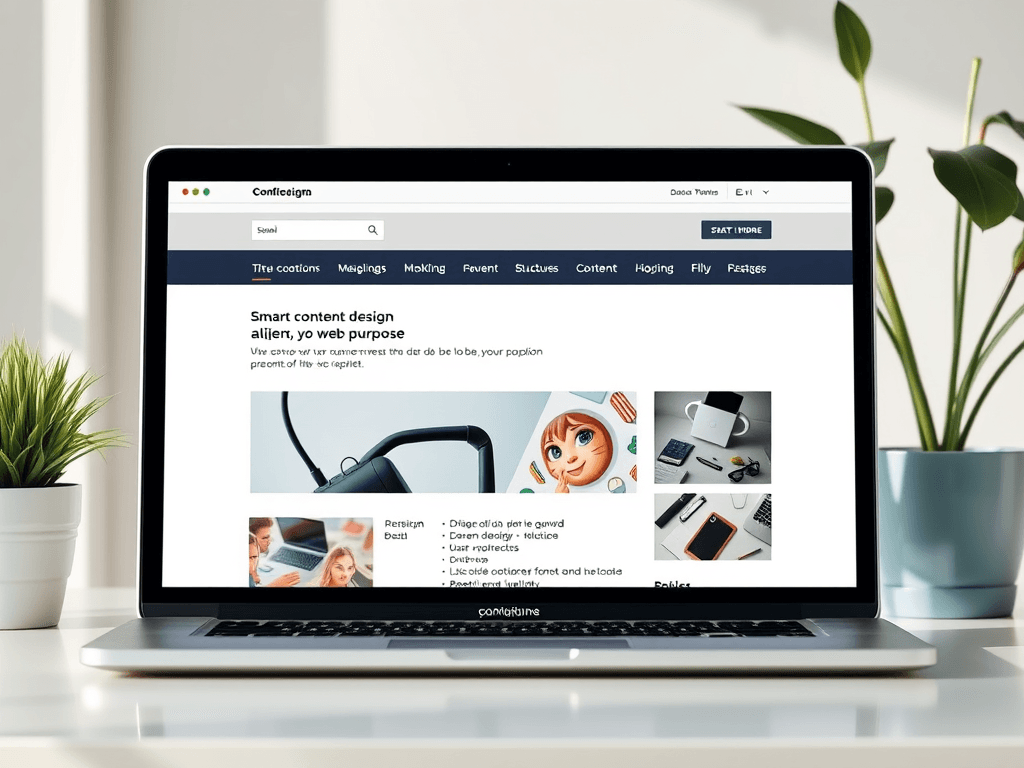
Why Your Website Content Must Align With Its Purpose
Every website has a reason for existing—whether it’s selling a product, sharing information, or offering support. But the question that determines its success is: Does your content serve your site’s true purpose? Many site owners focus heavily on design or technology but forget that content is what ultimately guides users to act. When your content is strategically aligned with your goals—through structure, style, and clarity—it becomes a powerful asset rather than an afterthought. Let’s explore how thoughtful content design can help your site perform at its best and truly serve its visitors.
How Smart Content Design Aligns With Site Purpose
Smart content design begins with understanding your site’s core goals. A business website, for example, needs content that not only informs but also converts. This means prioritizing calls to action, simplifying navigation, and ensuring that each element—text, image, or icon—serves a functional role. Research by the Nielsen Norman Group shows that users typically focus on the top-left area of a webpage first and follow an “F-shaped” pattern while scanning. Placing key content such as CTAs and summaries within this natural flow helps ensure better engagement and conversion.
Visual hierarchy also plays a crucial role. Using size, color, and spacing effectively can direct users’ attention toward the most important elements. White space, for instance, is not wasted space; it provides breathing room and enhances comprehension. Clear headlines and logical content grouping can help users quickly find what they’re looking for, reducing frustration and bounce rates. For inspiration, websites like Smashing Magazine and UX Design showcase real-world examples of how design supports user intent rather than distracting from it.
Key Takeaways:
- Structure content based on user scanning patterns (F-pattern or Z-pattern).
- Use color and typography to establish information priority.
- Maintain consistent styling across pages for user familiarity.
Summary:
Smart content design functions as a strategic bridge between aesthetics and usability. By considering how users interact visually and contextually, your website’s content can both attract attention and guide decisions aligned with your goals.
Real-World Case Studies Showing Content That Converts
A strong example of content alignment can be seen in Archer IT Solutions’ approach to supporting small businesses through their web hosting and managed IT support — www.archer-its.com/web-hosting. Their website’s content delivers clear service explanations, balancing technical depth with accessibility. Strategic use of structured information, such as bulleted pricing and support links (support@archer-its.com), makes it easy for visitors to take action and request help within 24 hours. This alignment demonstrates that purpose-driven content converts visitors into clients efficiently.
In contrast, many sites suffer from “content clutter” — long paragraphs, vague calls to action, and redundant information that dilute the site’s effectiveness. According to HubSpot’s 2023 analysis, optimized landing pages with concise copy and one clear CTA see a 55% higher conversion rate than those with generic messaging. A good comparative reference is Moz’s Learning Center, which organizes educational content by topic, skill level, and reading time to ensure visitors find immediate value.
However, even smart content can face technical setbacks. Misconfigured plugins, for example, may break page elements or interfere with SEO formatting. If you encounter such compatibility issues, clear documentation and support—like Archer IT Solutions’ help desk at www.archer-its.com/ticket/—are crucial.
Pros:
- Better user engagement and site retention.
- Improved SEO due to logical structure and keyword placement.
- Increased trust through clarity and precision.
Cons:
- Requires consistent maintenance and testing.
- Can seem time-consuming during early stage setup.
Summary:
Sites that align their content strategy with usability and clarity consistently outperform those that treat content as an afterthought. Streamlined copy, clean design, and dependable support create harmony that converts visitors into loyal users.
Troubleshooting Common Content & Plugin Compatibility Issues
For many website owners, especially those using WordPress or CMS platforms, plugin conflicts can jeopardize content display and functionality. When a plugin doesn’t match your theme or is outdated, it may break layout structures or remove important metadata that search engines rely on. Conducting periodic plugin audits and using compatibility tools (e.g., WPBeginner Plugin Compatibility Checker) helps prevent these interruptions.
A vital step in resolving issues is staging your changes before publishing. This allows you to test how new features interact with your existing content structure. If problems persist, consulting professional support through services like Archer IT Solutions Remote Support ensures a timely fix. Remember, plugin stability is foundational—broken interactions not only disrupt the user experience but can damage SEO rankings.
Finally, keep backup versions of your site content to restore quickly after failed updates. Implement caching solutions and monitor site performance regularly. A visually consistent and technically sound site reassures visitors that your brand values professionalism and reliability.
Summary:
Avoiding compatibility errors ensures that your content continues to deliver its intended purpose without interruption. Technical readiness supports your communication goals and strengthens trust among your users.
When thinking about whether your content serves your site’s purpose, consider both the visual and technical ecosystems supporting it. The design should guide, not confuse. The copy should engage, not overwhelm. Whether you manage a small business site or a blog, success lies in the thoughtful marriage of content strategy, user psychology, and technical execution. Explore how your content can reflect your intent—then refine it to ensure it truly serves your audience.
If you’re unsure how to start optimizing your content or fixing display issues, reach out to Archer IT Solutions for guidance or submit a support ticket at www.archer-its.com/ticket/. Reflect on what your website truly needs—because when your content design aligns with purpose, every word and pixel begins to work for you, not against you.
Suggested Image Ideas:
- Heatmap of a web page showing typical user gaze patterns (top-left emphasis).
- Before-and-after layout comparison showing content hierarchy improvements.
- Screenshot of Archer IT Solutions’ clear, service-oriented site section.
[submit “Submit”]
1
[_site_title] “[your-subject]”
[_site_title]
[_site_admin_email]
From: [your-name] [your-email]
Subject: [your-subject]
Message Body:
[your-message]
—
This is a notification that a contact form was submitted on your website ([_site_title] [_site_url]).
Reply-To: [your-email]
1
1
[_site_title] “[your-subject]”
[_site_title]
[your-email]
Message Body:
[your-message]
—
This email is a receipt for your contact form submission on our website ([_site_title] [_site_url]) in which your email address was used. If that was not you, please ignore this message.
Reply-To: [_site_admin_email]
1
1
Thank you for your message. It has been sent.
There was an error trying to send your message. Please try again later.
One or more fields have an error. Please check and try again.
There was an error trying to send your message. Please try again later.
You must accept the terms and conditions before sending your message.
Please fill out this field.
This field has a too long input.
This field has a too short input.
There was an unknown error uploading the file.
You are not allowed to upload files of this type.
The uploaded file is too large.
There was an error uploading the file.
Please enter an email address.
Please enter a URL.
Please enter a telephone number.
Please enter a date in YYYY-MM-DD format.
This field has a too early date.
This field has a too late date.
Please enter a number.
This field has a too small number.
This field has a too large number.
The answer to the quiz is incorrect.
Discover more from Archer IT Solutons
Subscribe to get the latest posts sent to your email.
Discover more from Archer IT Solutons
Subscribe to get the latest posts sent to your email.

No responses yet